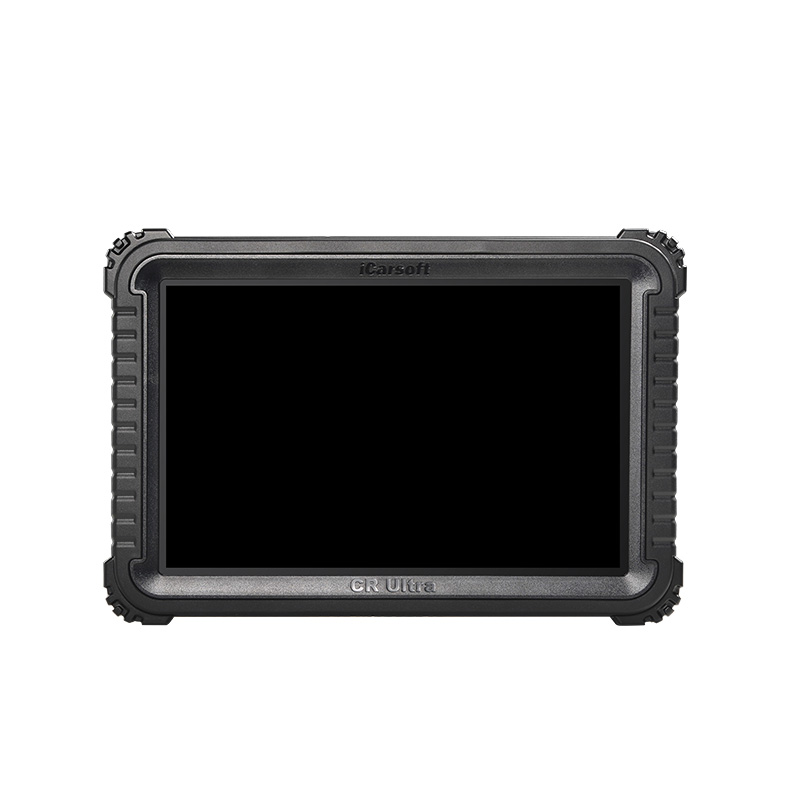
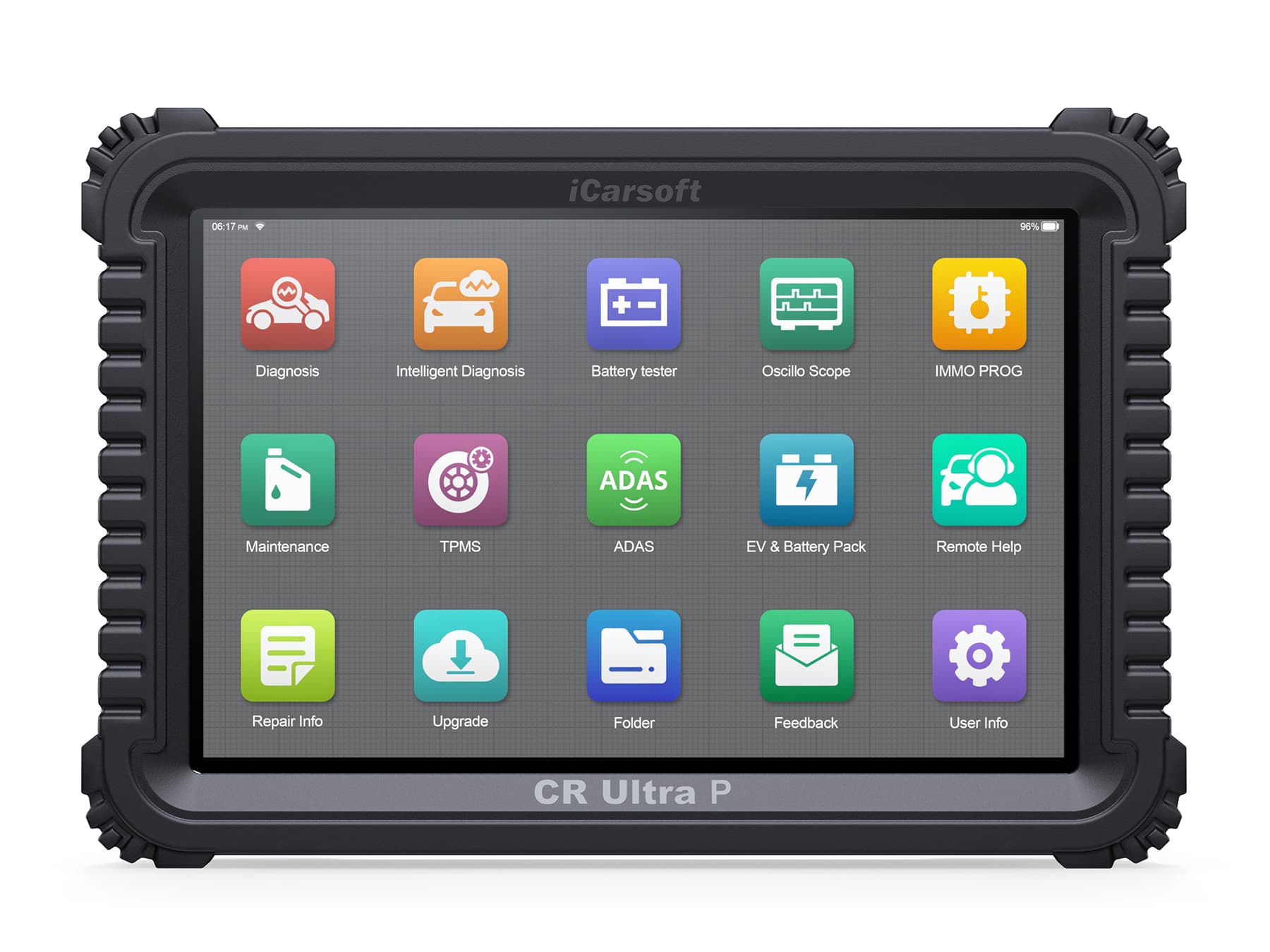
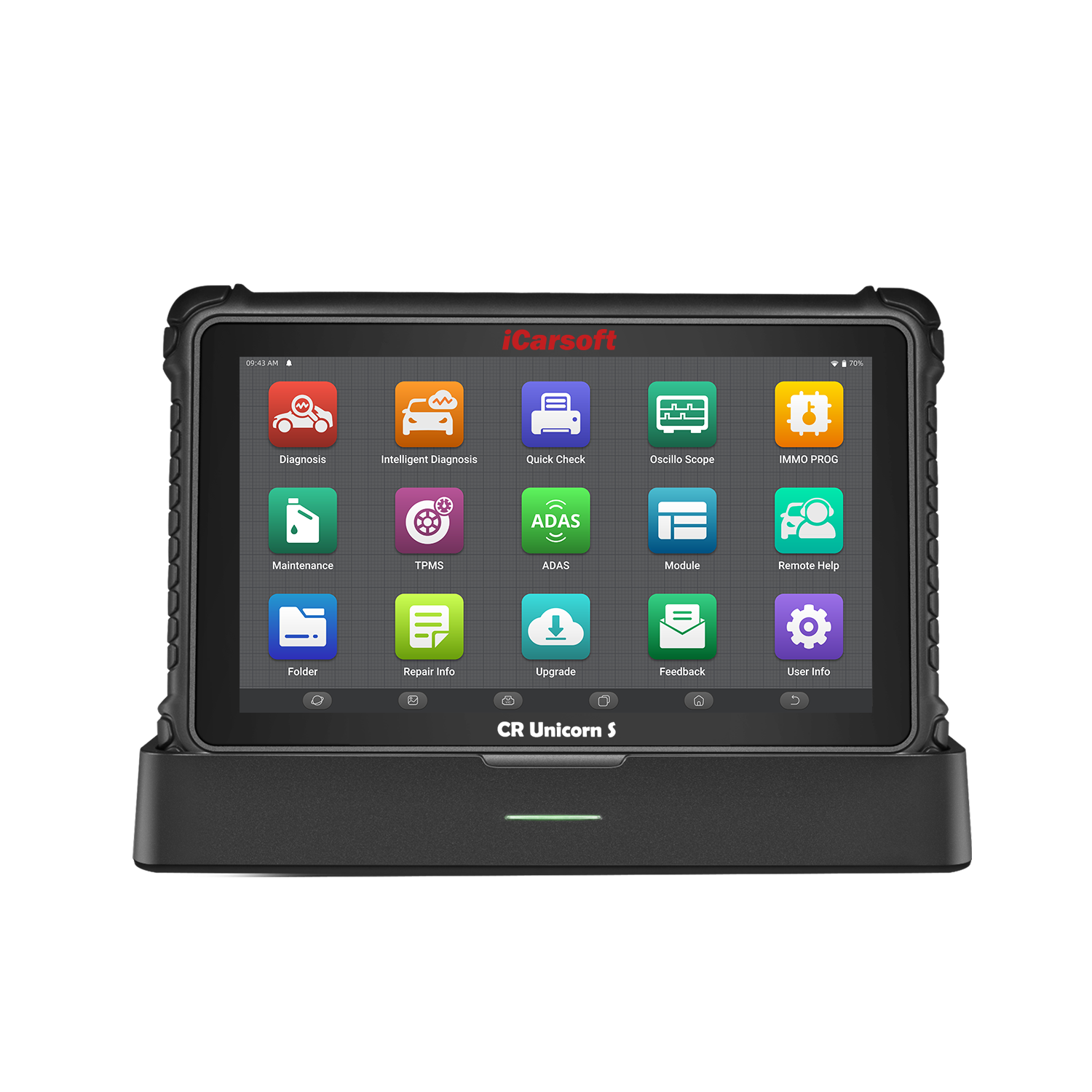
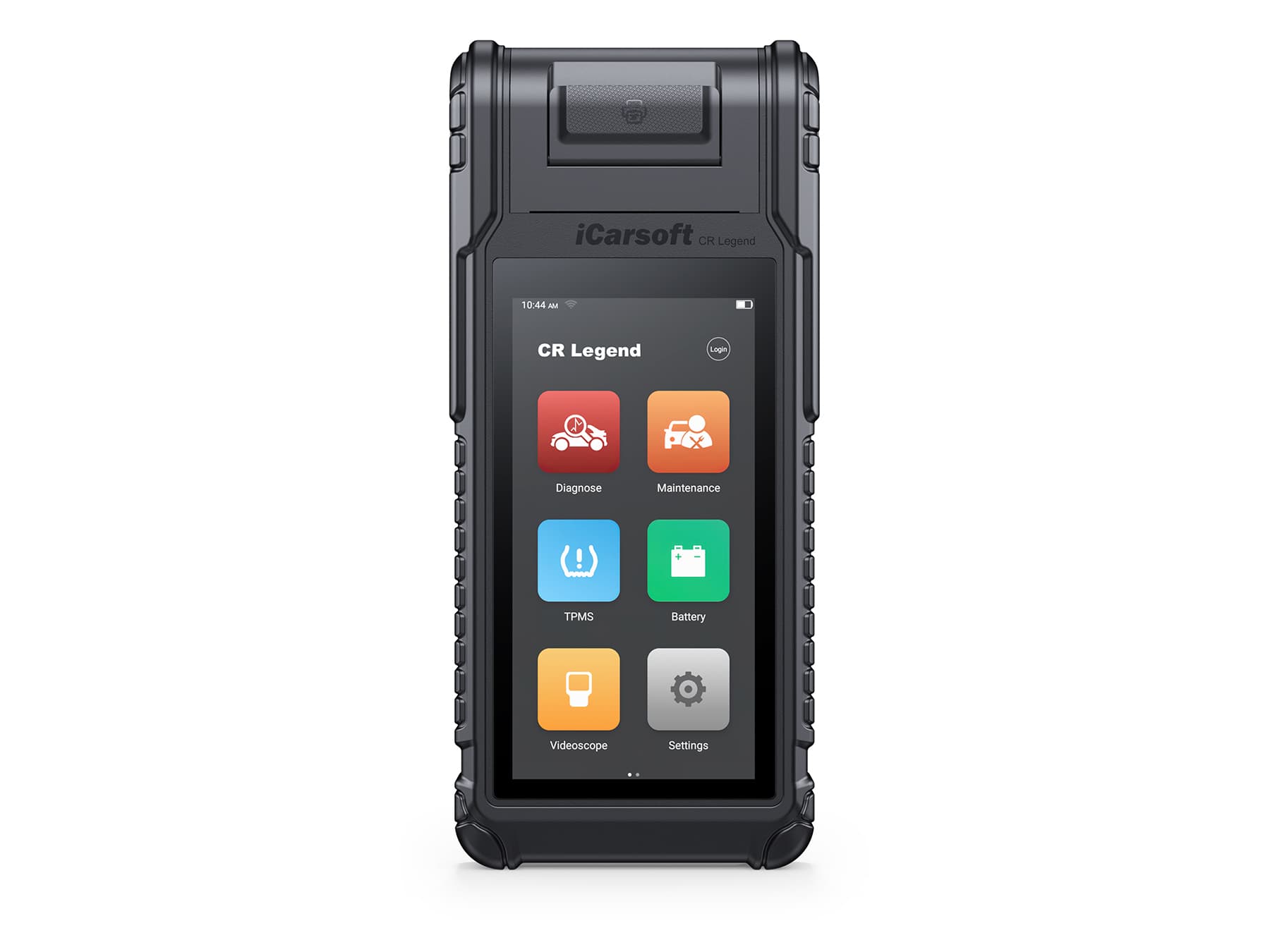
CR Unicorn
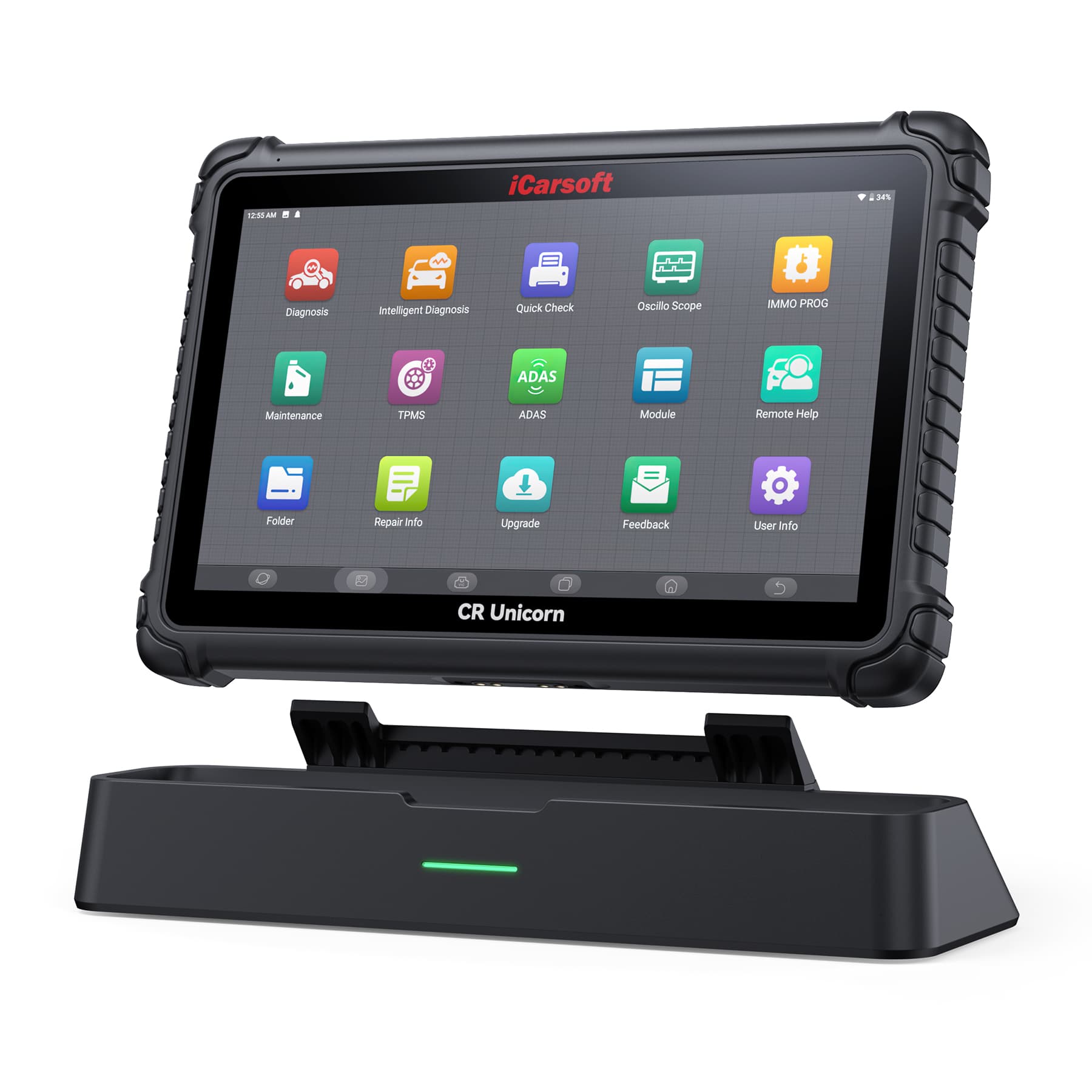
13.3inches professional diagnostic tool for passenger cars.
About this tool
13.3inches professional diagnostic tool for passenger cars.
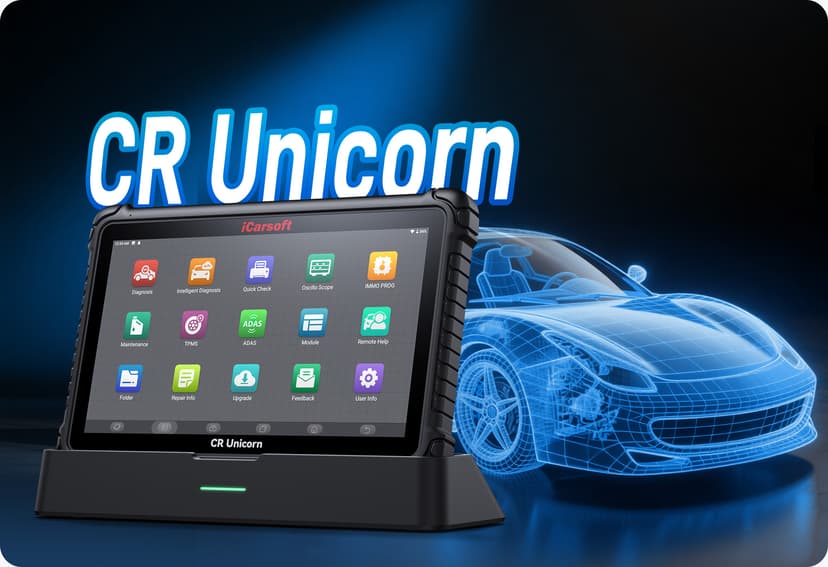
iCarsoft Professional OE-Level Car Diagnostic tool
CR Unicorn Intelligent Automotive Car Diagnostic tool
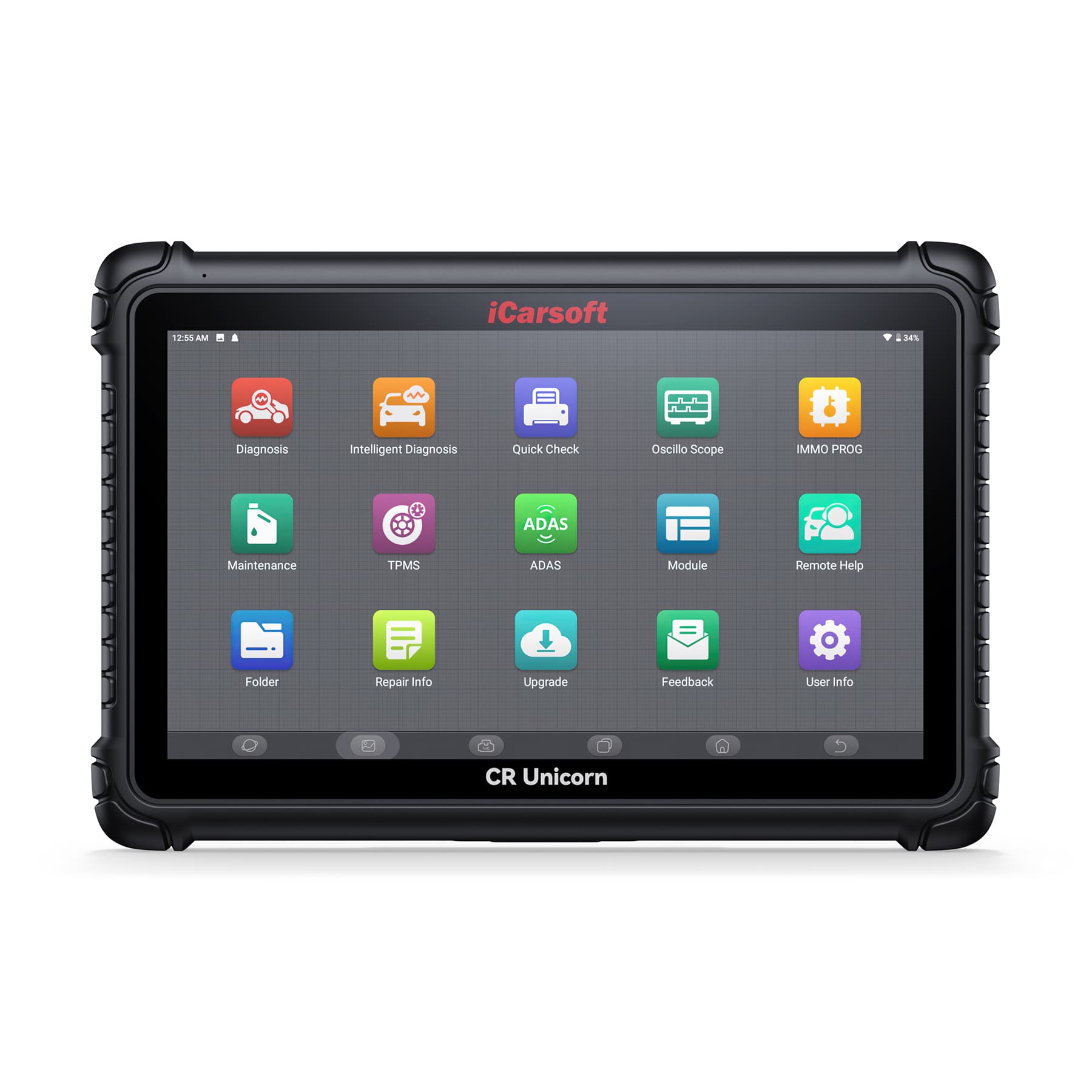
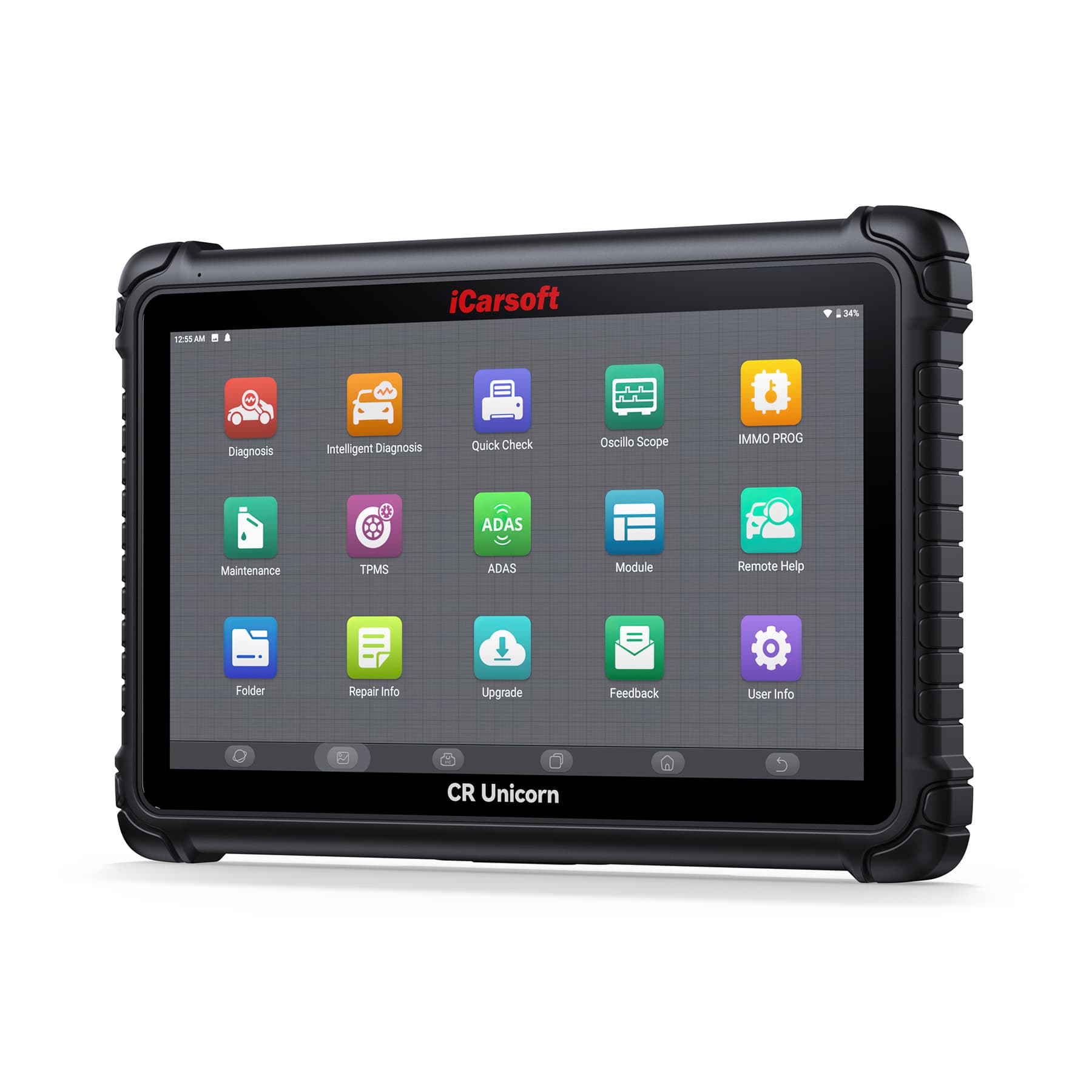
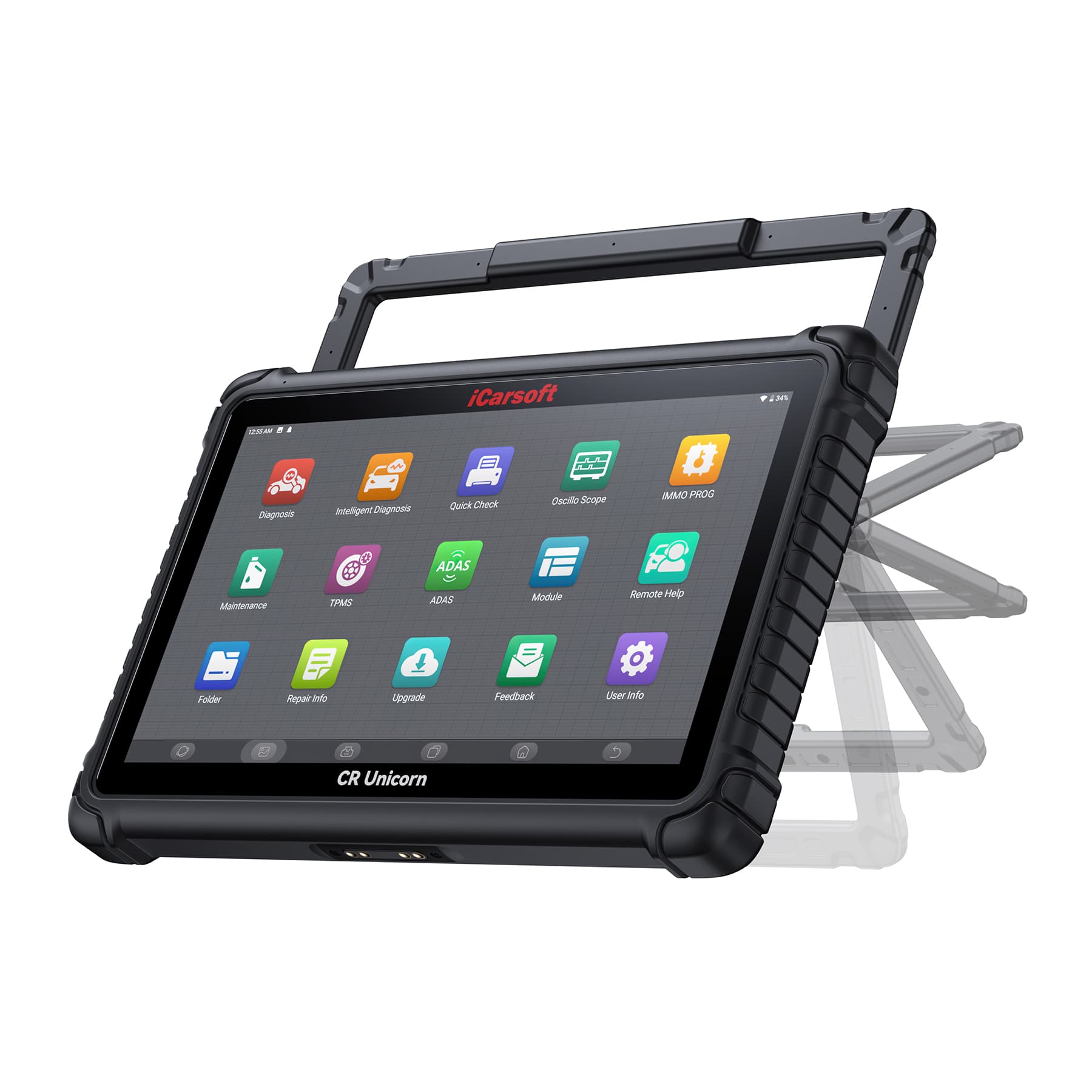
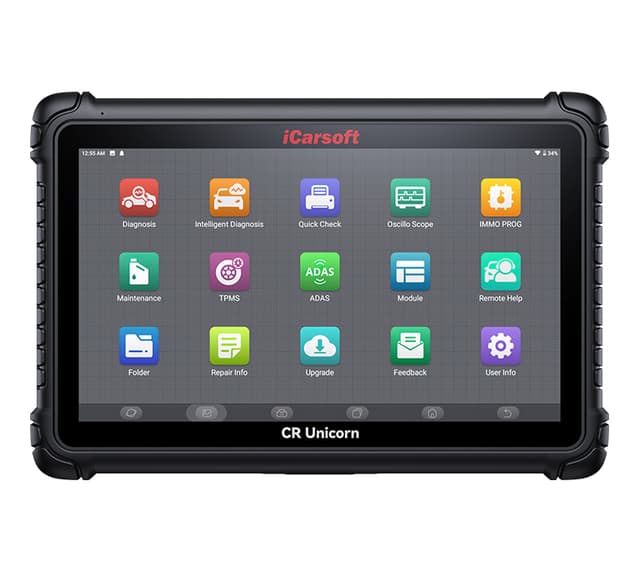
The CR Unicorn is iCarsoft's latest cutting-edge automotive diagnostic scanner. With a 13.3 inches screen, this all-in-one tool offers a wide range of functionalities that will expand any technician's capacity to complete even more jobs.
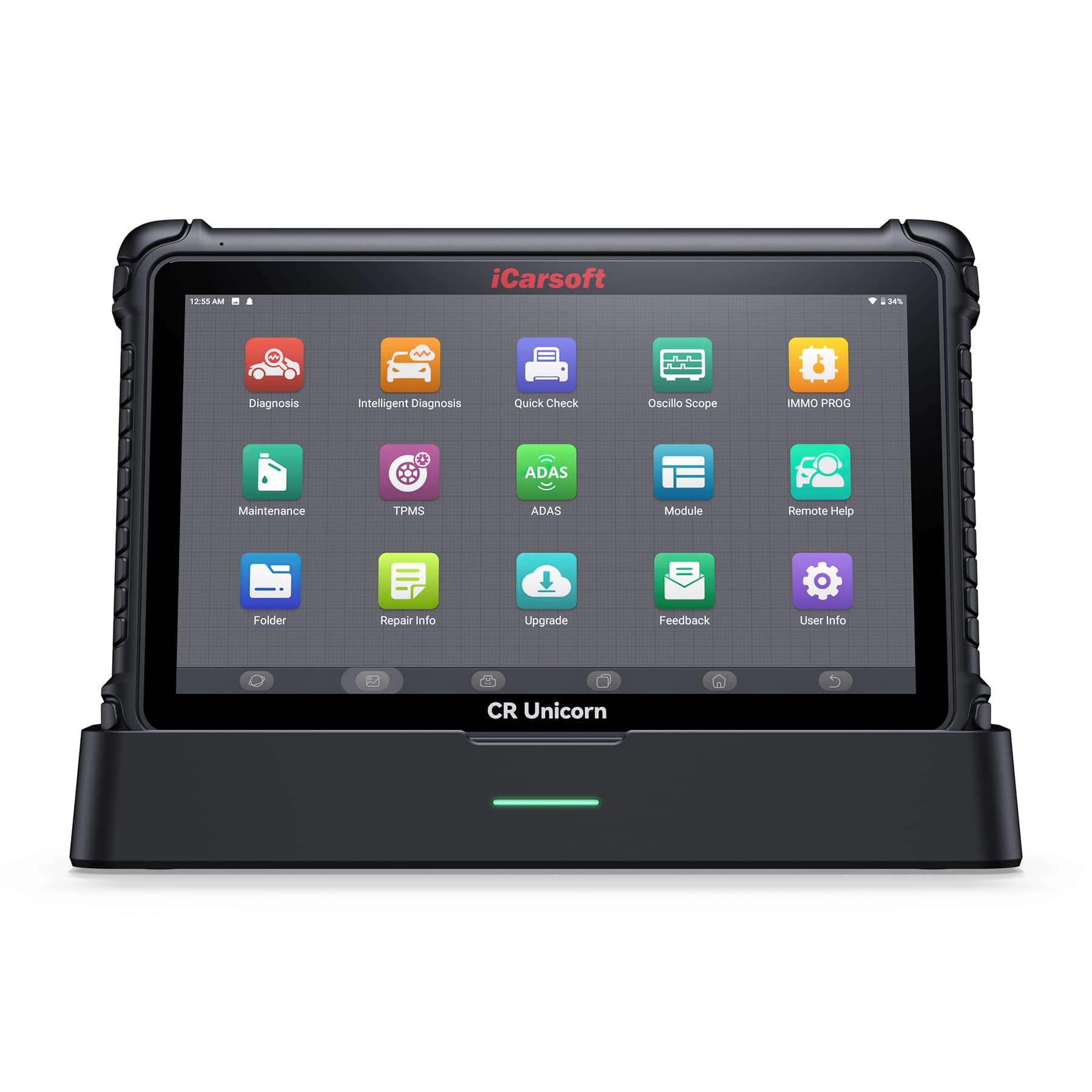
The CR Unicorn includes a docking station, ADAS compatibility, and Topology Mapping that shows all car systems in one view. Its CR Link VCI includes the latest protocols such as CANFD, DoIP and J2534, allowing professionals to perform more complex repairs on various automotive vehicles.
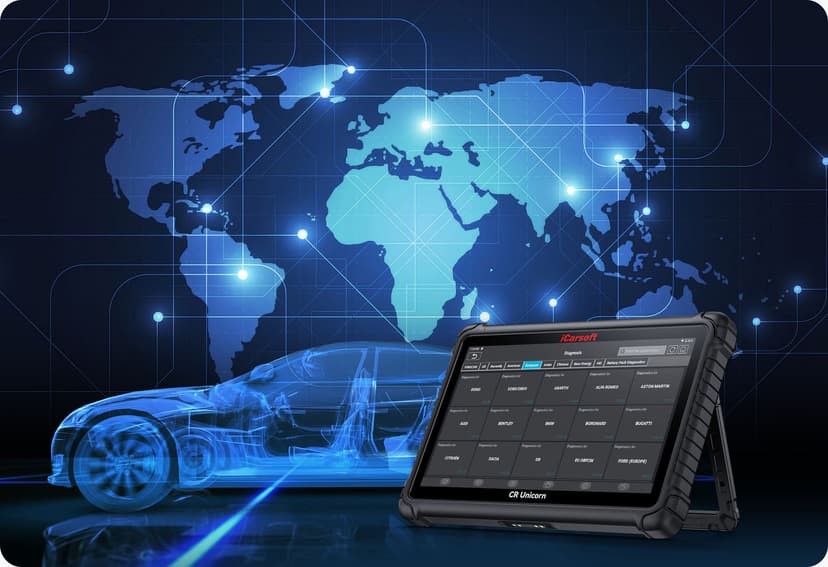
Worldwide Vehicle Coverage and Comprehensive Database
The CR Unicorn supports full system fault diagnosis of more than 200 passenger vehicle brands. This tool offers OE-Level diagnostics for the most common Asian, American, and European models, and many other vehicle models. More vehicles will be added in the near future.
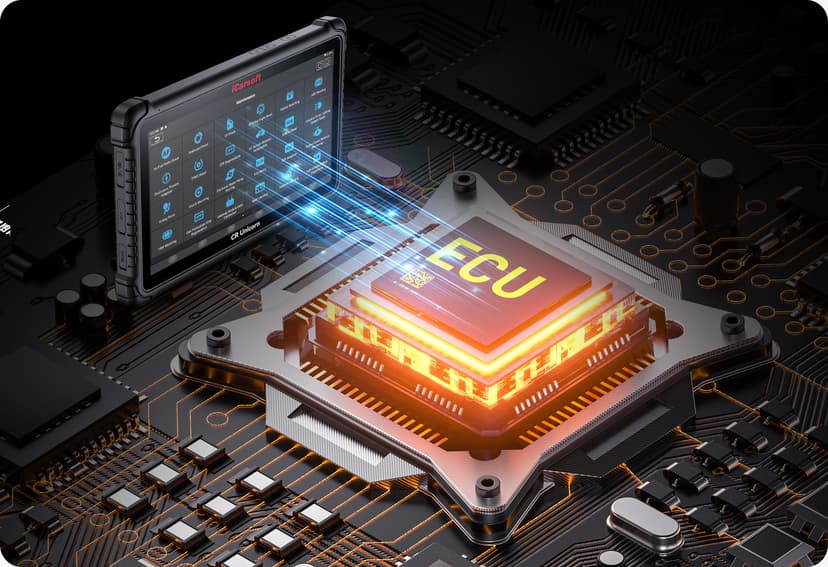
Support Programming Functions And Online Coding:
The CR Unicorn includes Online Coding Functions for Audi, for BMW, for Porsche, and other vehicle manufacturers. It also supports Cloud Based Programming functions for 13+ car brands.
With ECU coding, the parameters and settings of the ECU can be modified to achieve some specific functions or to optimize vehicle performance. Specifically, ECU Coding can be used in the following aspects:
Vehicle performance adjustment: By modifying the parameters of ECU, it can adjust the engine output power, torque curve, fuel injection amount, etc. to improve the vehicle performance and driving experience.
Fuel Economy Optimization: By adjusting the parameters of the ECU, the fuel injection strategy, ignition timing, etc. can be optimized to improve fuel economy and reduce fuel consumption.
Troubleshooting and Repair: ECU Coding can be used to read and clear fault codes, diagnose vehicle malfunctions and perform repair operations accordingly.
Accessory Replacement: When replacing certain vehicle components, ECU Coding may be required to make them compatible with the vehicle system. Warm Tips: Before coding, please read and record the original module’s information.
**The function is dependent on your car’s make, model and year. Contact us for more details if needed.
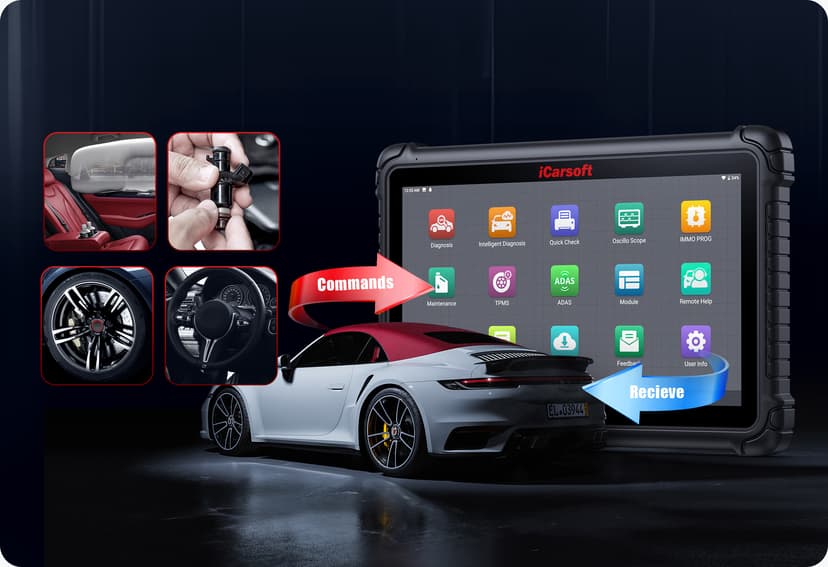
iCarsoft CR Unicorn supports powerful Bi-directional control/Active Tests
Bi-directional control/ Active Test can be used to perform specific operations or to test different components and systems of a vehicle, help check or adjust vehicle functions, as well as troubleshoot and repair. Specifically, Bi-directional control/ Active Test can perform the following operations:
● Activation test: it can activate a specific function or device, e.g., activate a remote control, turn on the vehicle's special lights, activate the vehicle's alarm system, etc.
● Sensor Test: allows testing the vehicle's sensors, e.g., testing the vehicle's temperature sensors, pressure sensors, speed sensors, etc. to make sure they are working properly.
● Actuator Testing: this allows you to test the vehicle's actuators, such as the vehicle's power windows, sunroofs, mirrors, air conditioning systems, etc. to ensure they are functioning properly.
● System Calibration: It can calibrate certain systems of the vehicle, such as the steering angle sensor, braking system, airbag system, etc. to ensure their accuracy and stability.
● Troubleshooting: can detect and diagnose vehicle fault codes to help identify problems with the vehicle and provide appropriate solutions.
**The function is dependent on your car’s make, model and year. Contact us for more details if needed.
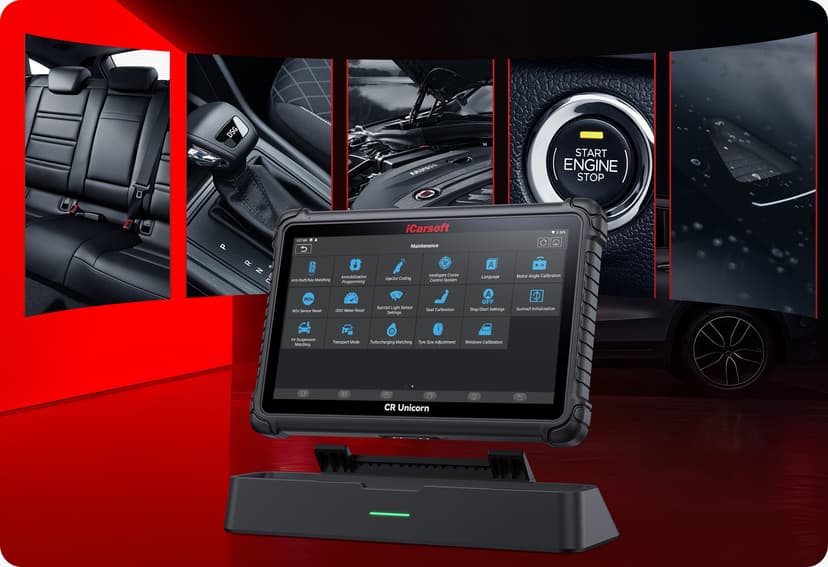
Support 41 Hot service reset functions:
● OIL (Maintenance Light Reset)
● ETS (Throttle Matching)
● SAS (Steering Angle Reset)
● BMS (Battery Matching)
● BLEEDING (ABS Bleeding)
● BRAKE (Electronic Parking Brake Reset)
● DPF (DPF Regeneration)
● GEAR (Tooth Learning)
● IMMO (Anti-theft Matching)
● INJEC (Injector Coding)
● TPMS (Tire Pressure Reset)
● SUS (Suspension Level Calibration)
● AFS (Adaptive Front-lighting System Reset)
● GEAR BOX (A/T Learning)
● SUN (Sunroof Initialization)
● EGR (EGR Adaption)
● ODO (ODO Reset)
● AIR BAG (Airbag Reset)
● TRANSPORT (Transport Mode)
● A/F (A/F Reset)
● STOP/START (Stop/Start Reset)
● NOX (NOx Sensor Reset)
● ADBLUE (Diesel Engine Exhaust Gas Filter)
● SEATS (Seat Calibration)
● COOLANT (Coolant Bleeding)
● TYPE (Tire Reset)
● WINDOWS (Windows Calibration)
● LANGUAGE (Language Change)
● AC System Relearn/Initialization
● Engine Power Balance Monitoring
● Gas Particulate Filter Regeneration
● High Voltage Battery Diagnostics
● Intelligent Cruise Control System
● Motor Angle Calibration
● IM2000 PRO (Optional)
● Clutch Matching
● ECU Reset
● FRM Matching
● Gateway Module Data Calibration
● Rainfall Light Sensor
● Turbocharging Matching

3 years free online update
In contrast to other car diagnostic tool on the market that demand users to pay for updates after one or two years. The CR Unicorn enjoys 3 years free update.
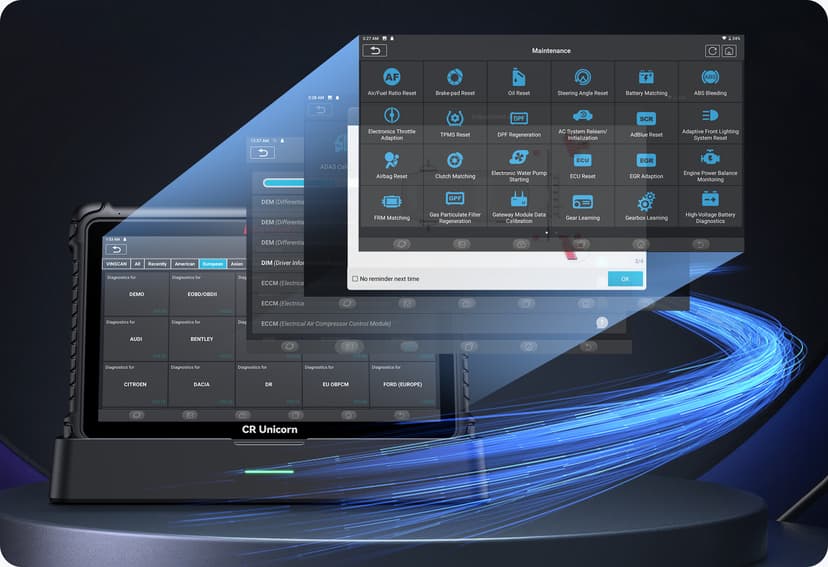
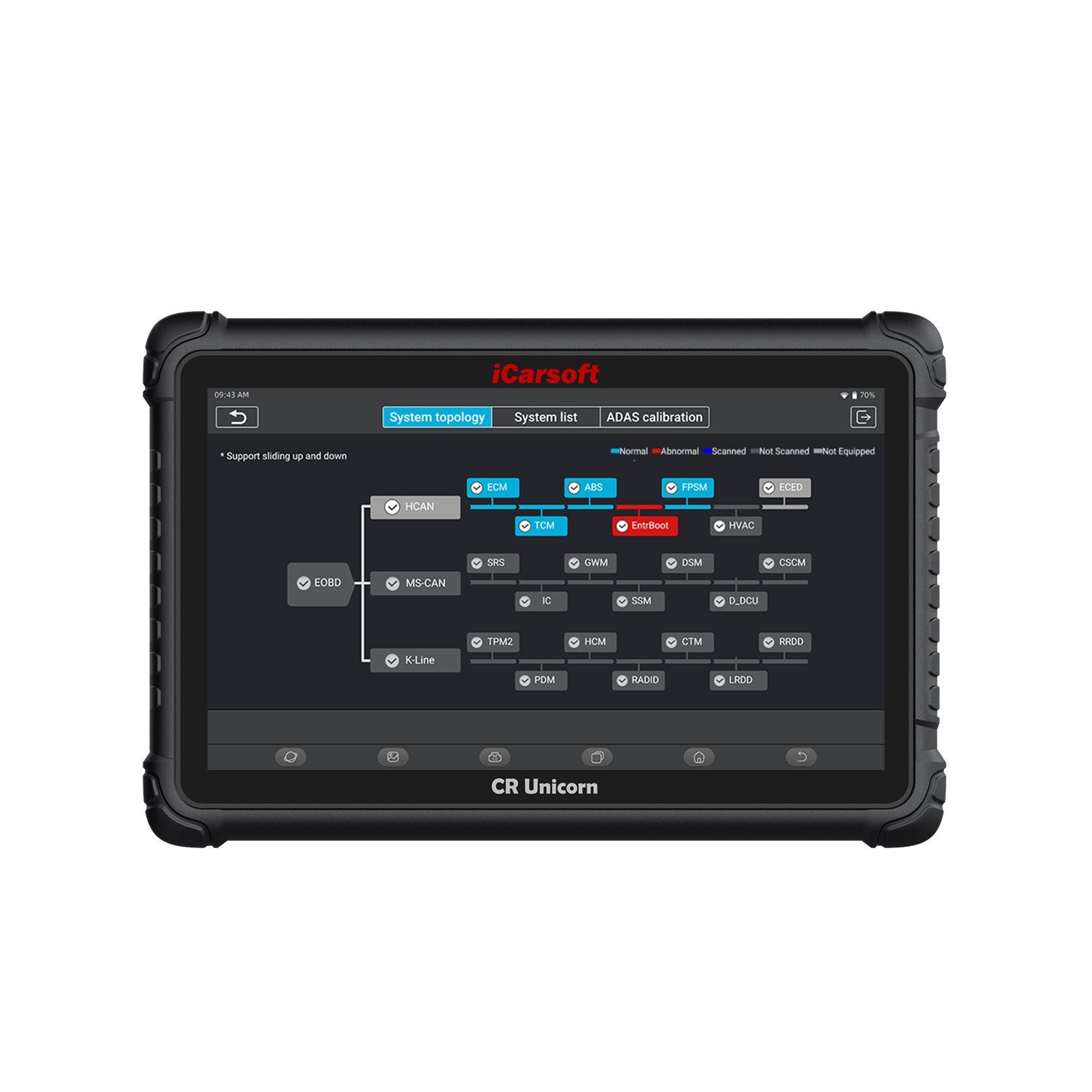
CR Unicorn supports Topology Mapping.
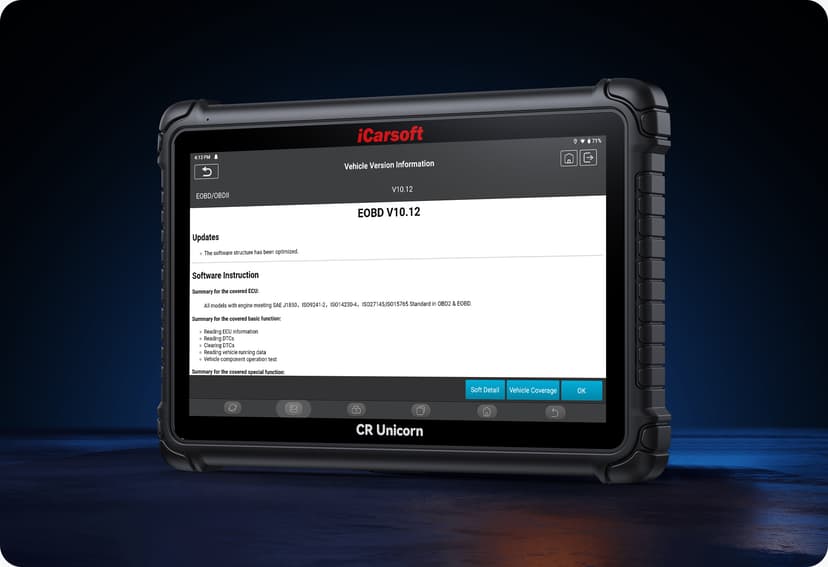
The CR Unicorn Utilizes Topology mapping, displaying the entire vehicle system.
Raw data is transformed into clear graphics, so technicians can see the entire status of the car system and get right to the vehicle’s issues.
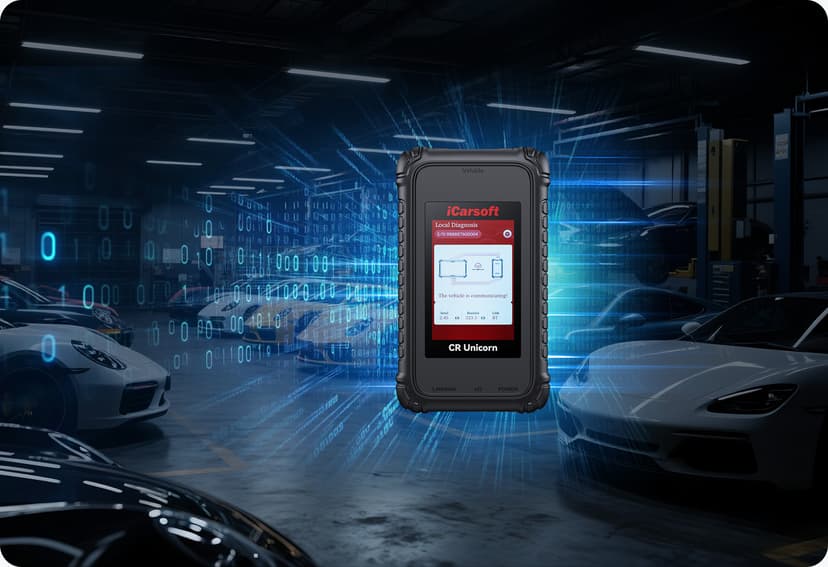
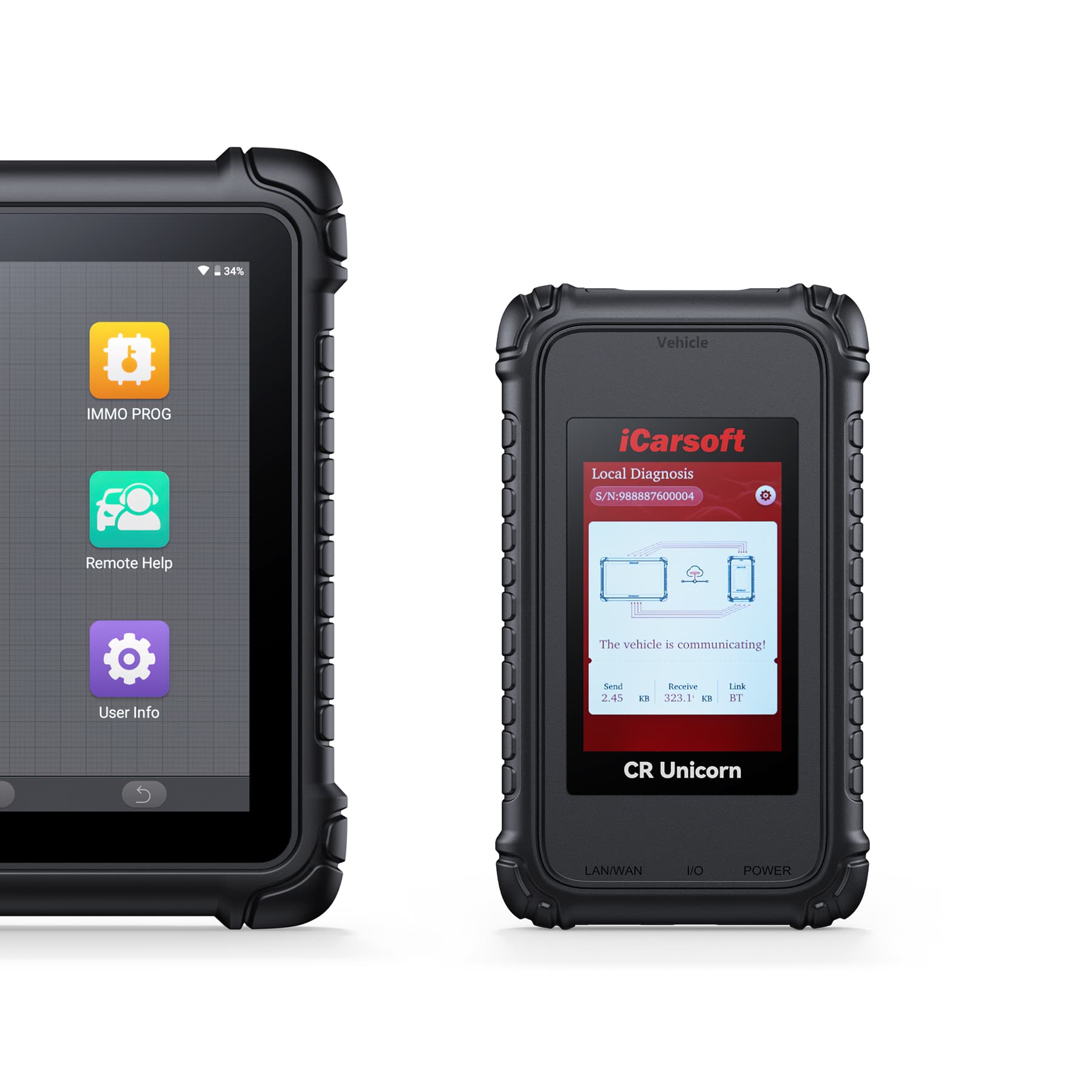
Comes with CR Link powerful VCI
The iCarsoft CR Unicorn comes with the CR Link, a VCI that supports J2534, DoIP, CanFD, D-PDU, and RP1210 protocols.
This CR Link unparalleled coverage allows you to offer OE-level services to newer and more modern vehicles. With the CR Link, you will never be forced to outsource!
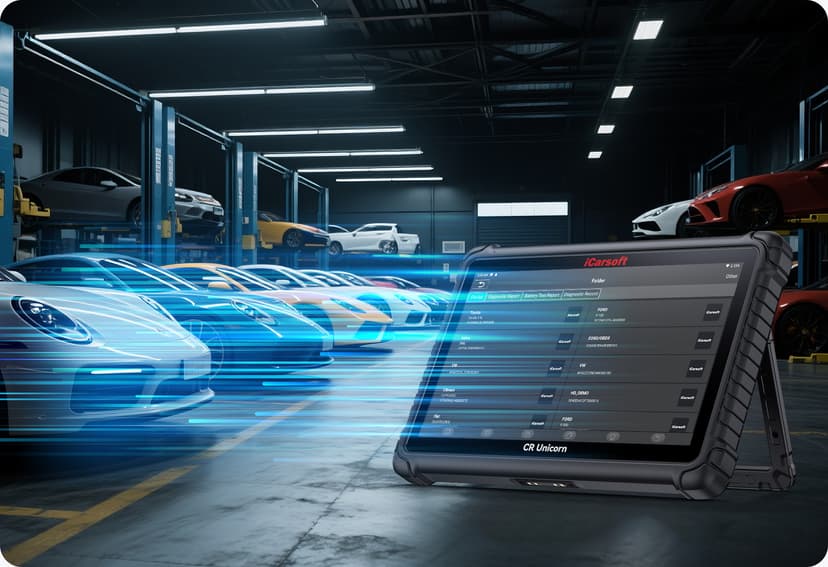
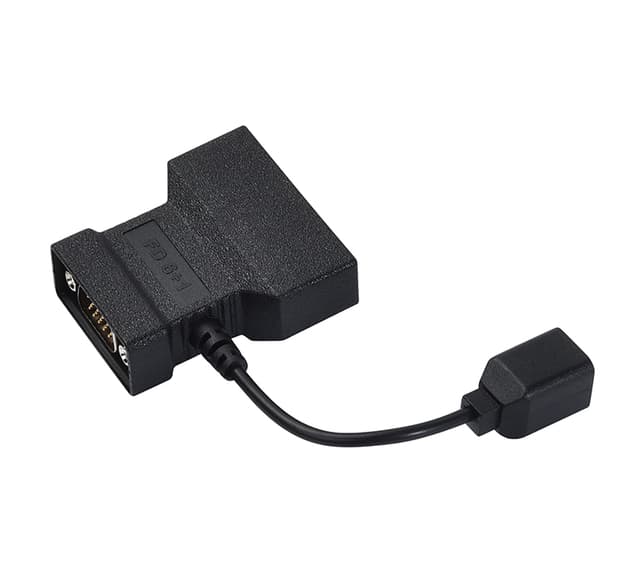
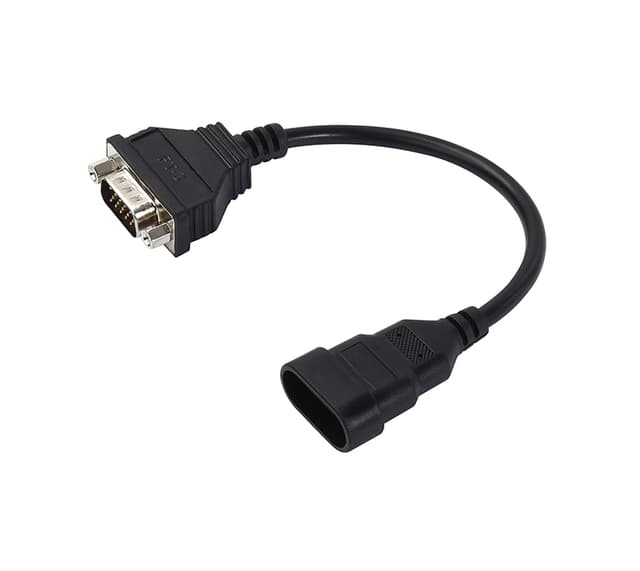
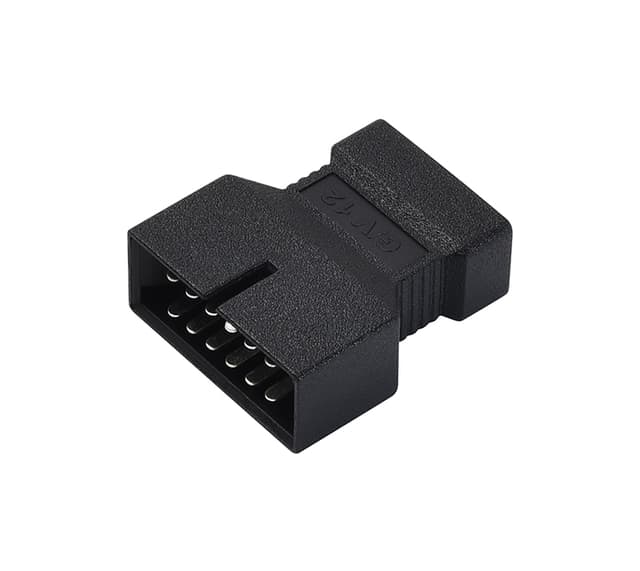
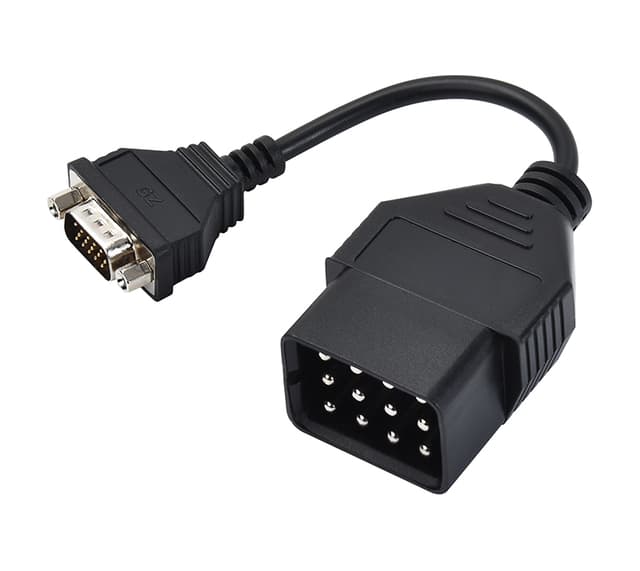
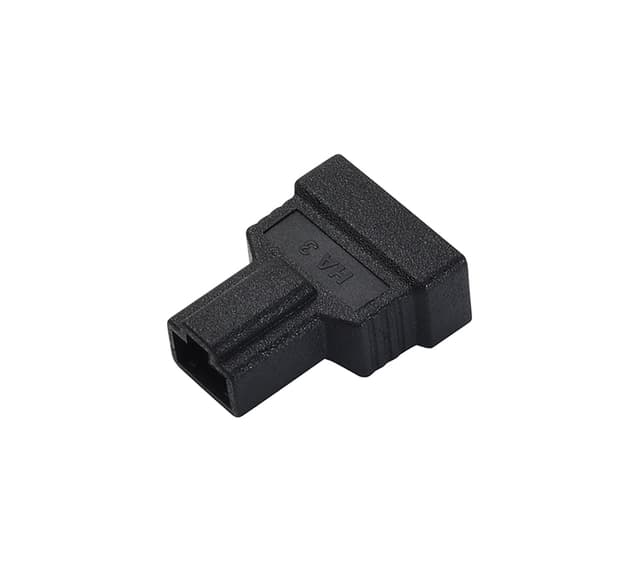
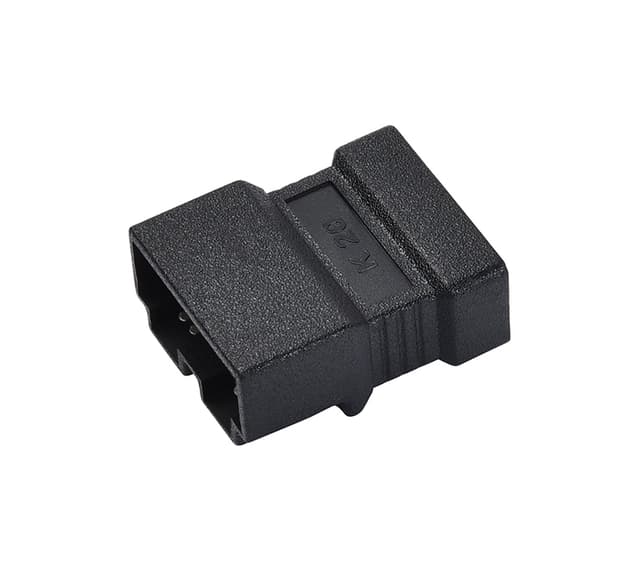
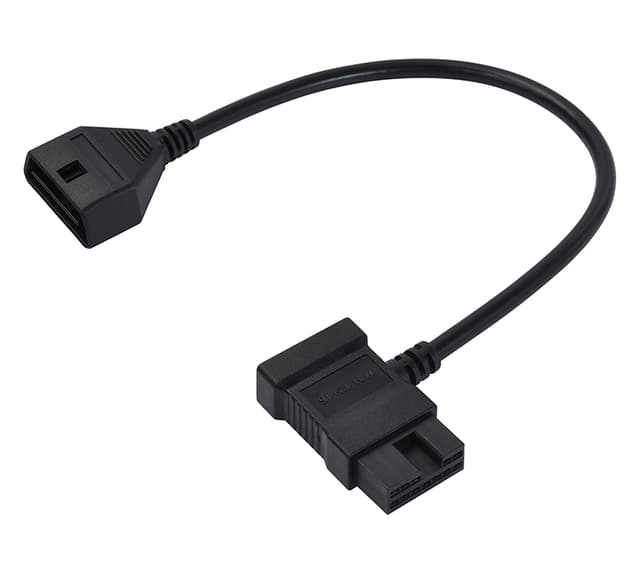
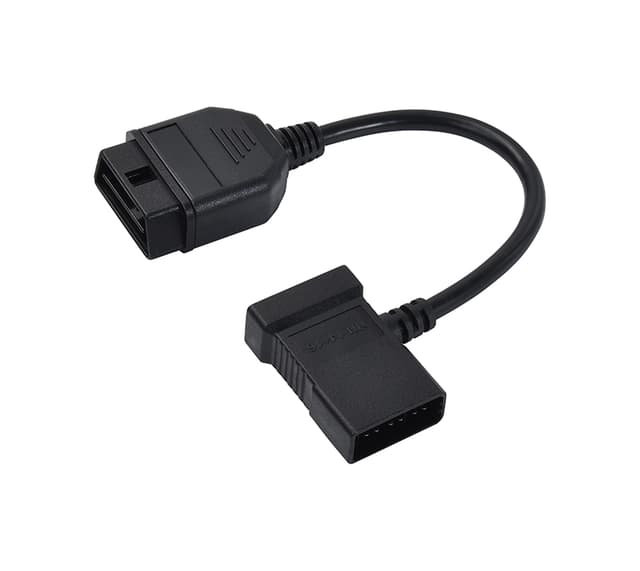
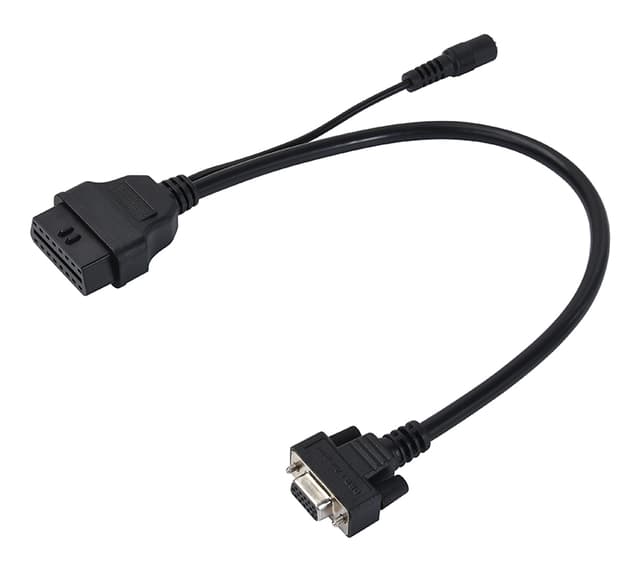
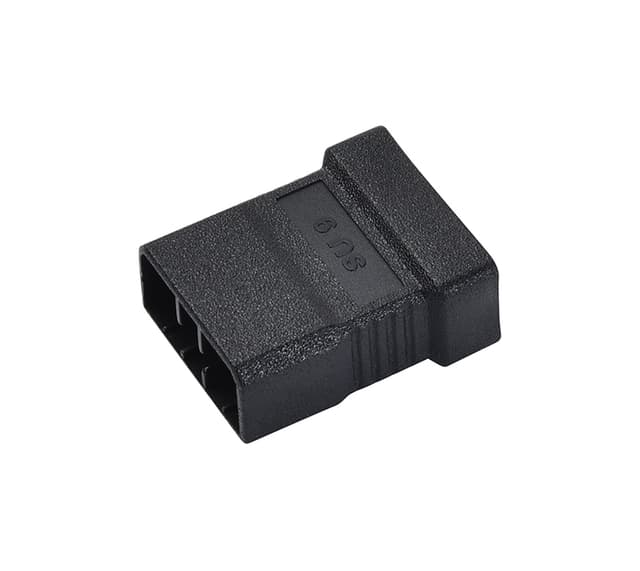
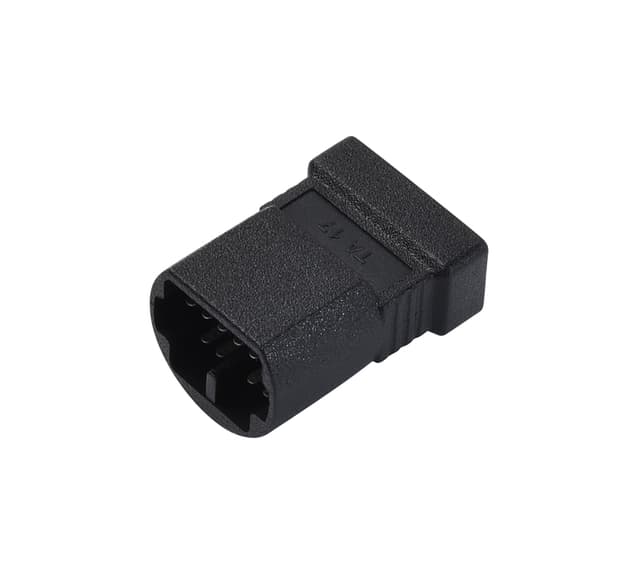
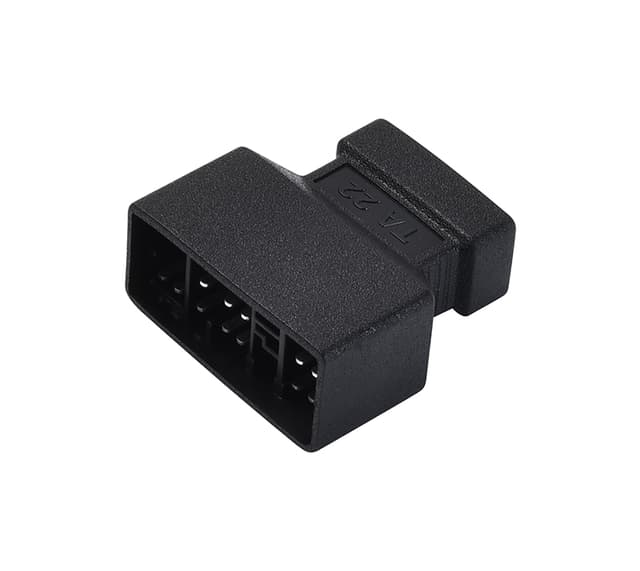
Standard equipped with OBDI adaptors
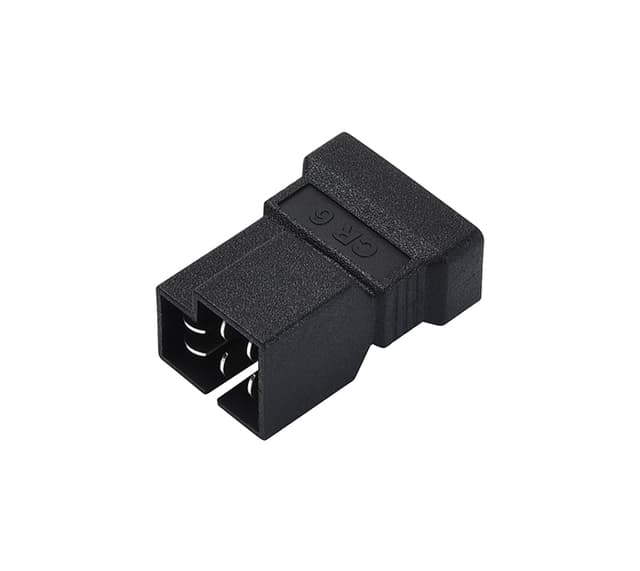
The CR Unicorn supports part of the OBDI protocol vehicles. It comes with the following most commonly used OBDI adaptors.
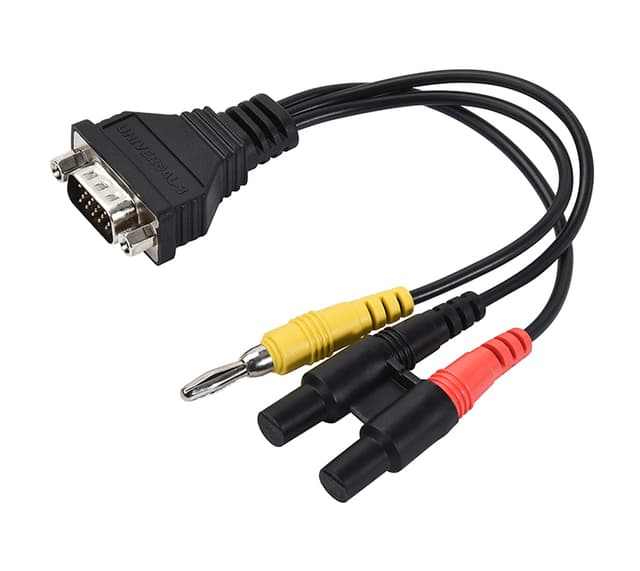
B-20, BZ-38, TA-17, NN-14+16, FT-3, M/H-12+16, TA-22, HA-3, G/V-12, CR-6, AI-4, BZ-14, FD-6+1, KA-20, SU-9, SI-3, UNIVERSAL-3, GZ-3
Standard equipped with 4 popular Modules
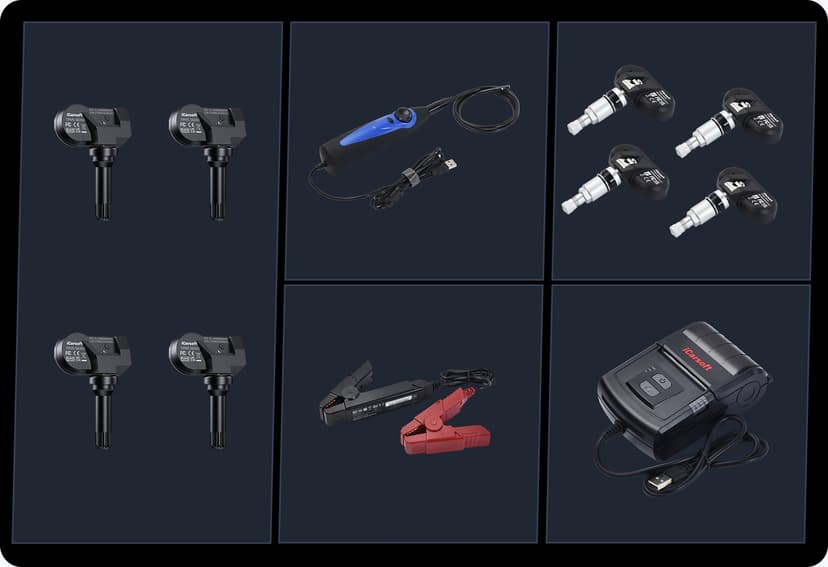
The CR Unicorn standard equipped with the following 4 popular modules:
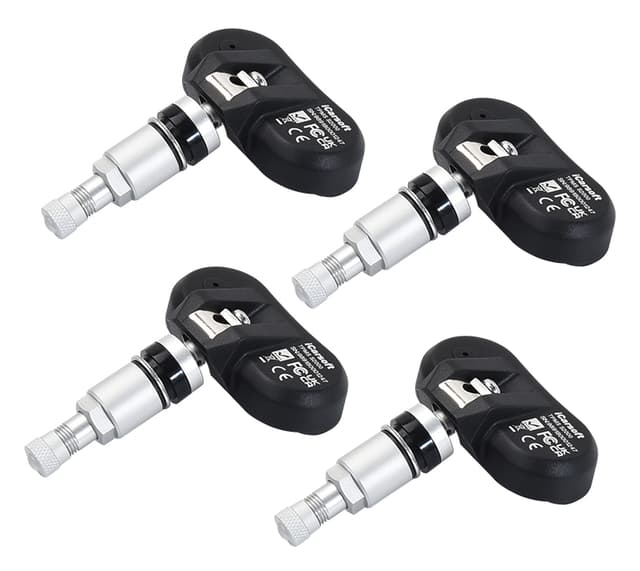
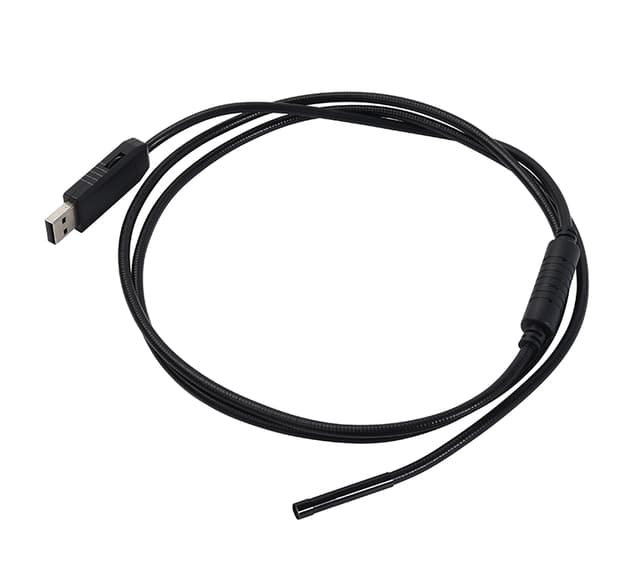
● T-WAND9000 TPMS2000 programming tool and 4pcs TPMS sensors
● Printer
● Videoscope
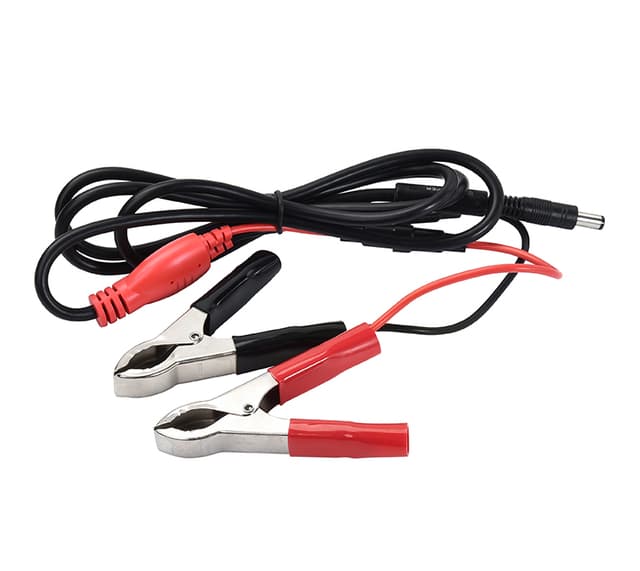
● Battery Test Clip
Optional modules
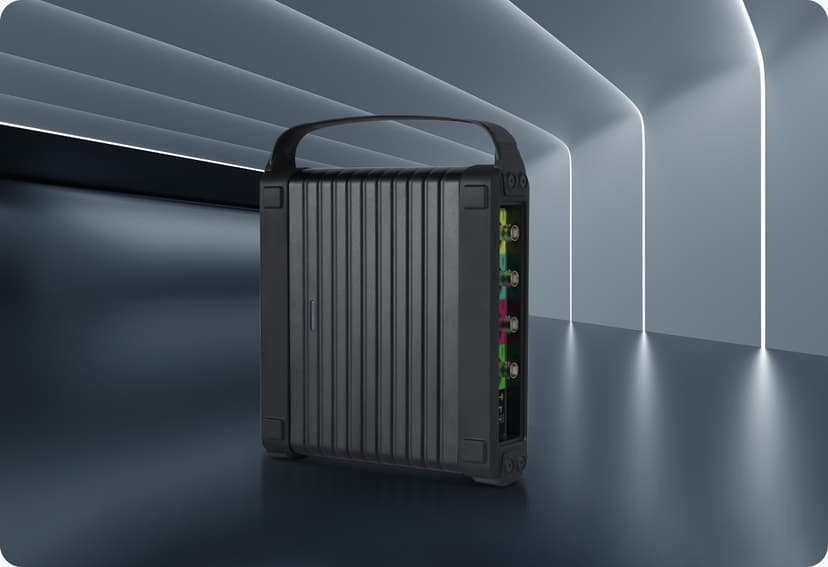
● Oscilloscope
● ADAS
Product Specifications:
Screen size: 13.3 inches
Resolution: 1920*1080
CPU: MT8788,Core 8,2.0GHz
RAM: 8G
ROM: 256G
Wi-Fi : 802.11 ac/a/b/g/n
Bluetooth: BT5.0
Battery: 18600mAh/3.8v
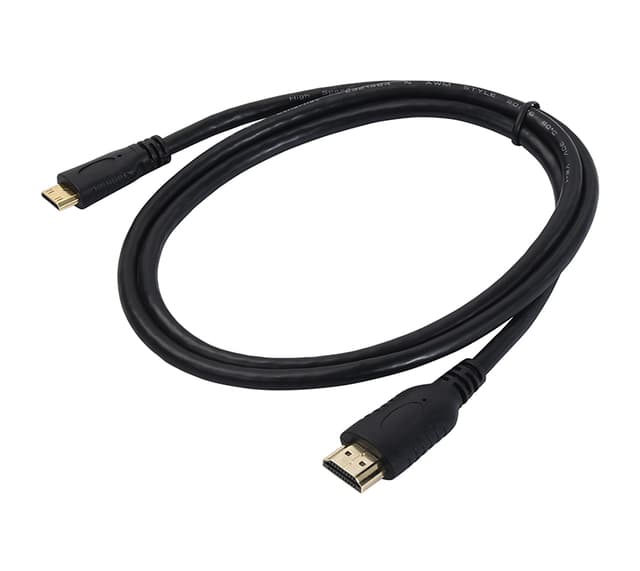
I/O Interface: USB TYPE C, USB TYPE A, HDMI
VCI: CR LINK
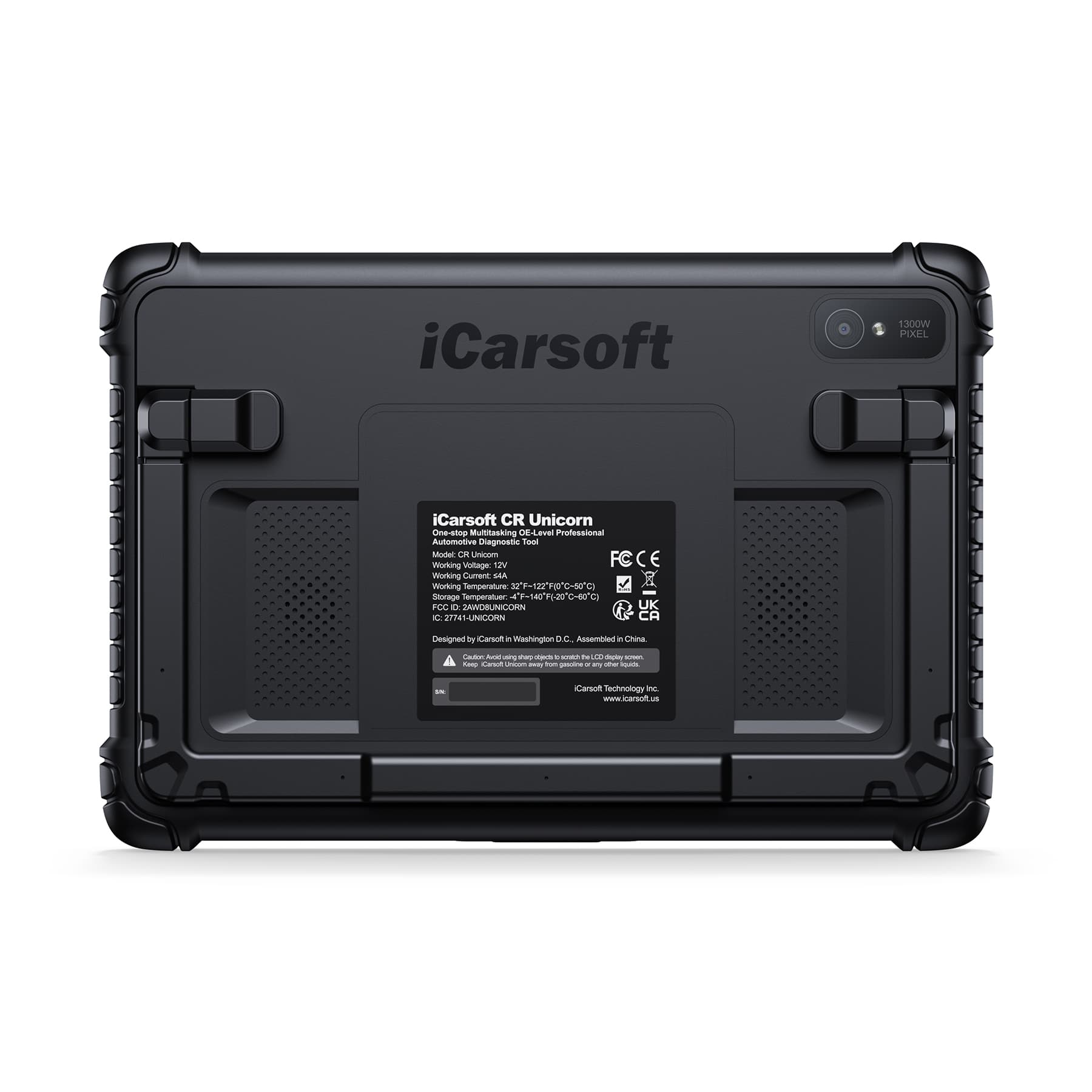
Camera: 1300MP(Rear)
SD Card Slot: 500G
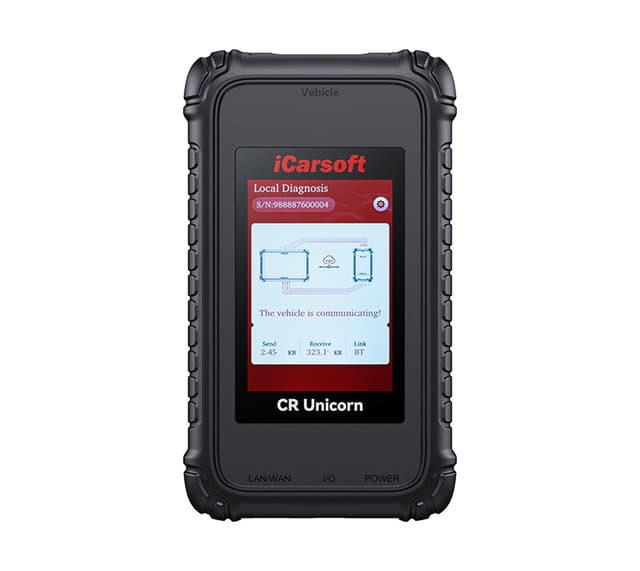
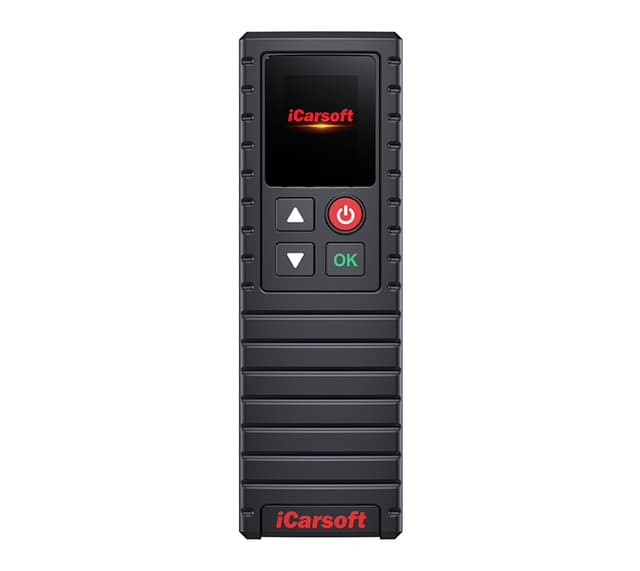
Packing List & Accessories
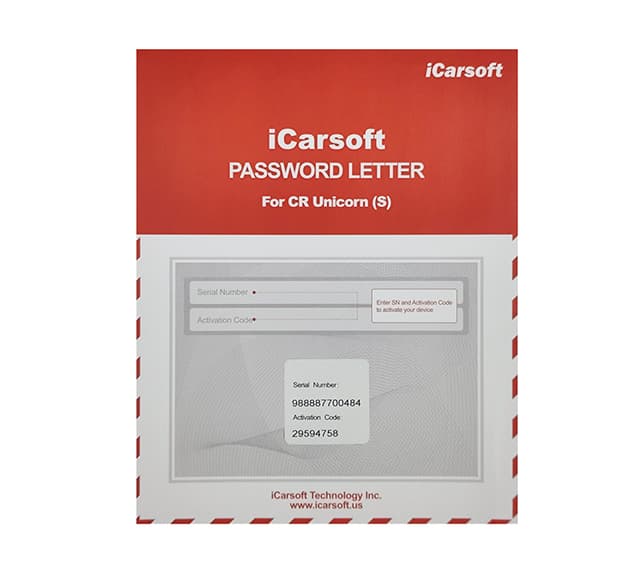
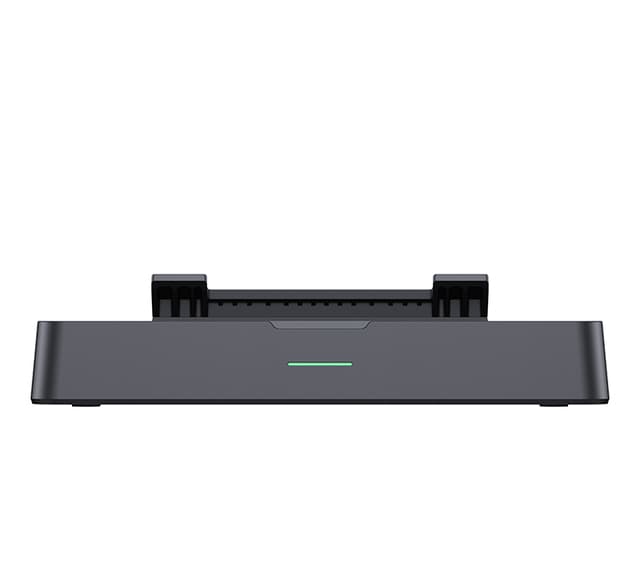
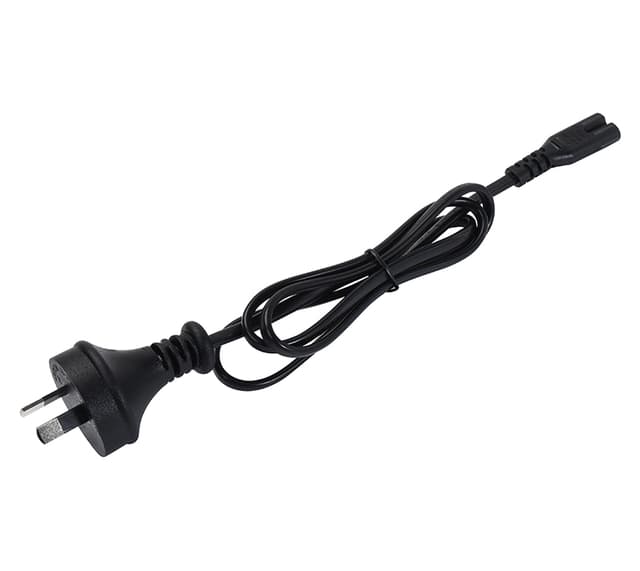
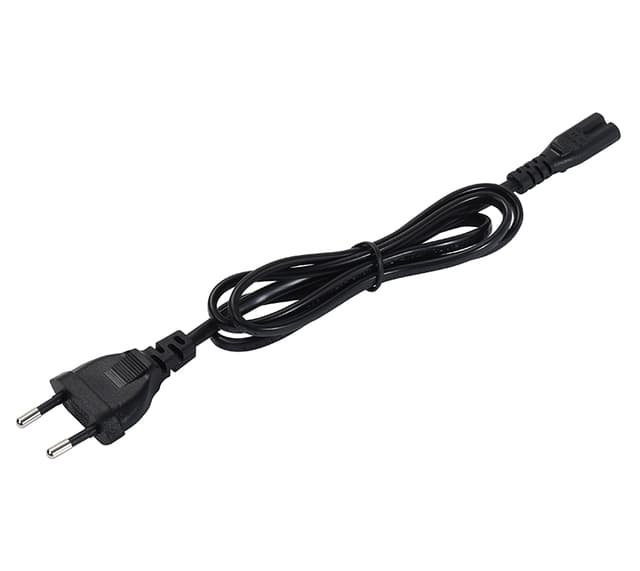
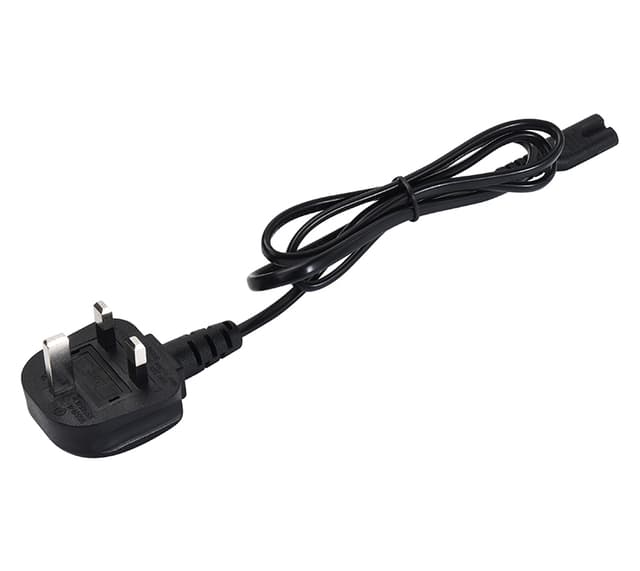
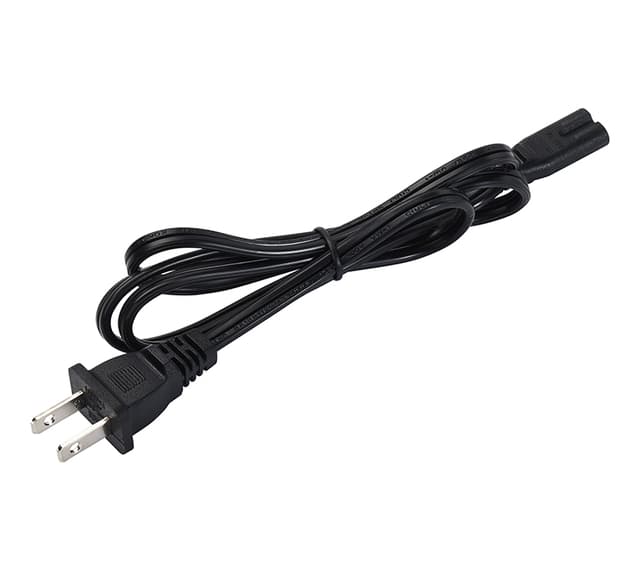
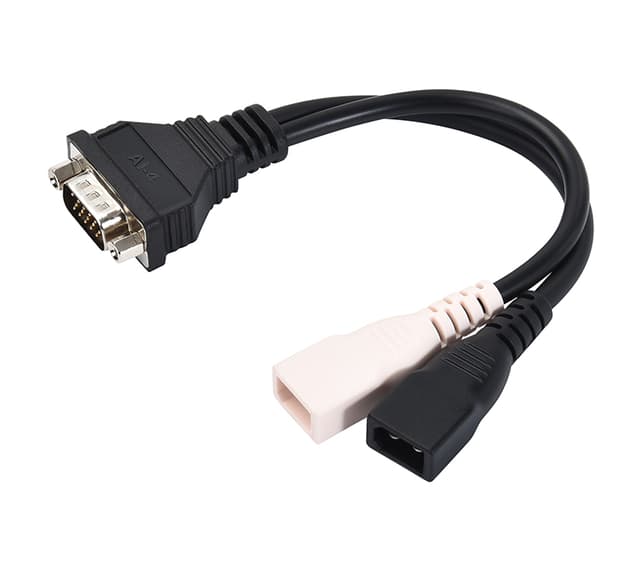
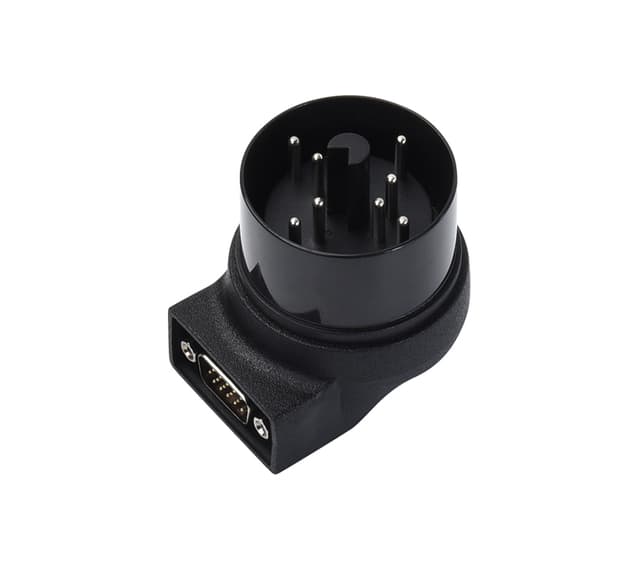
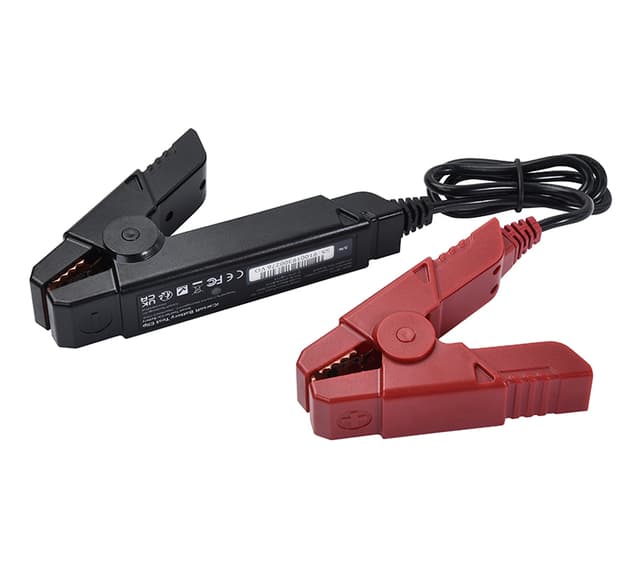
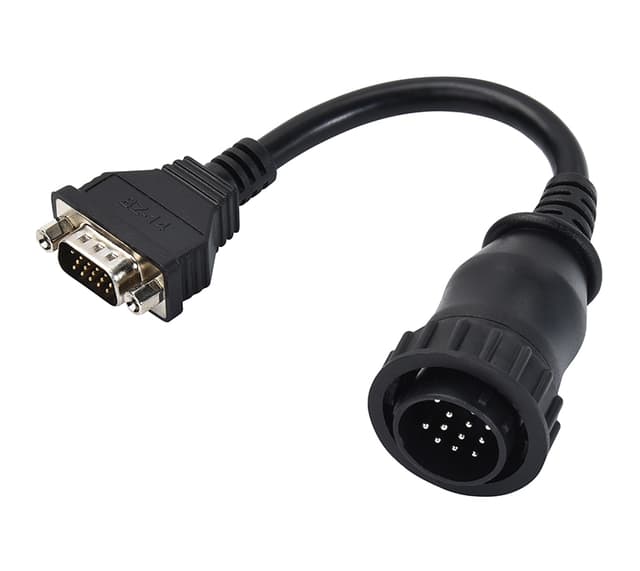
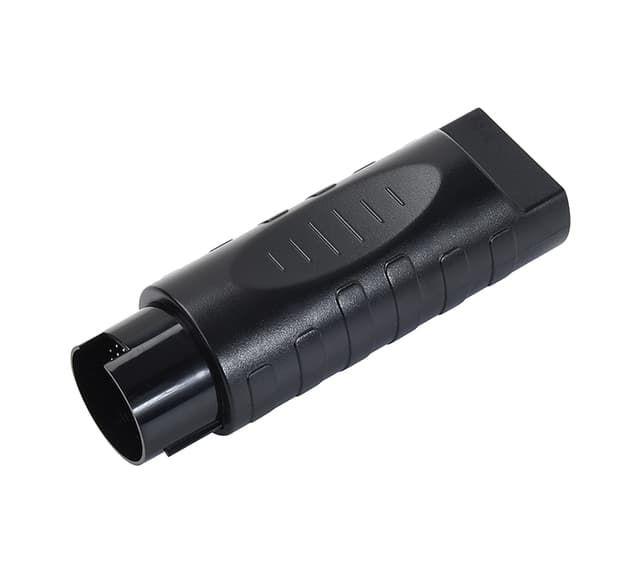
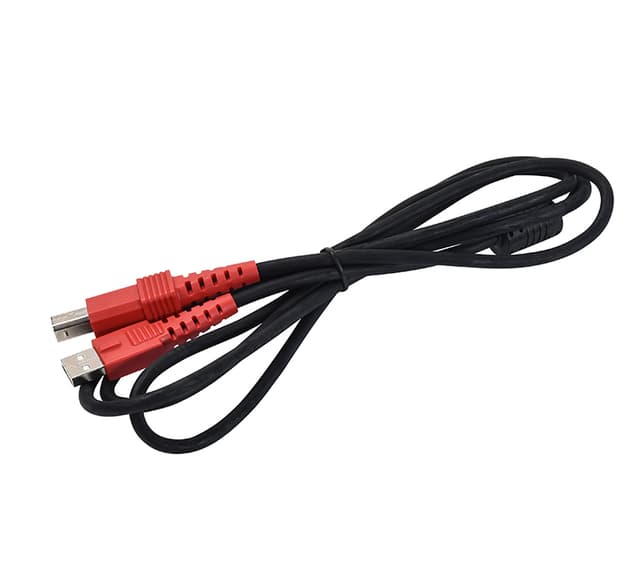
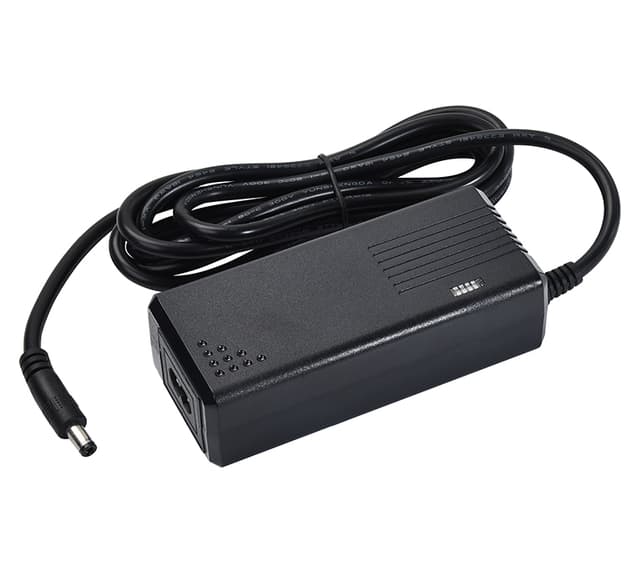
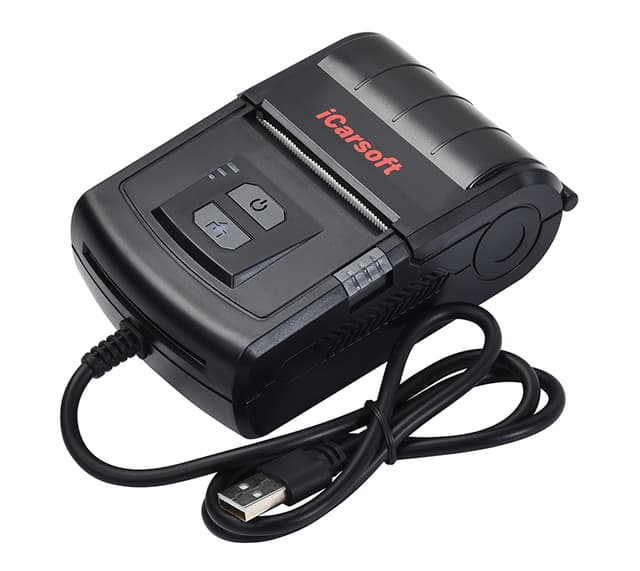
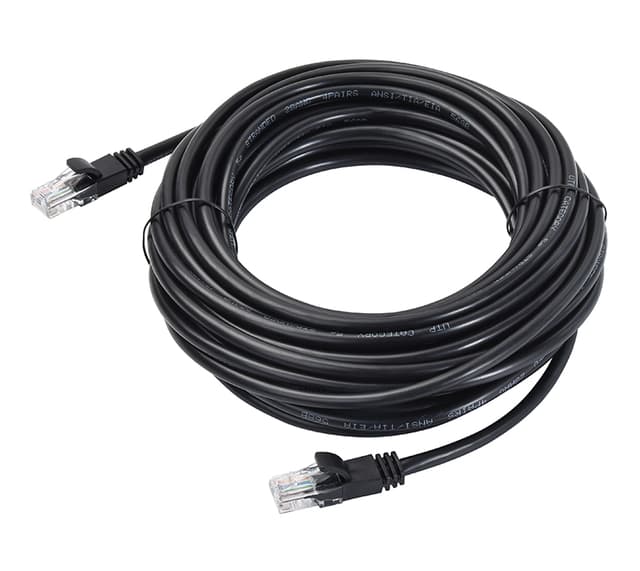
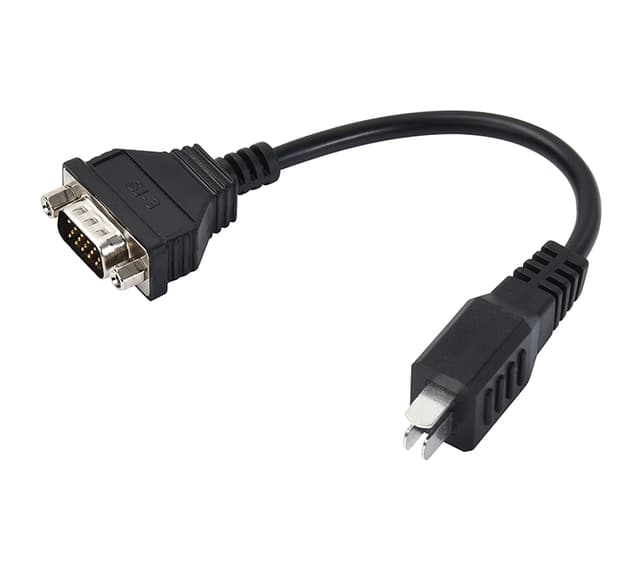
Manual & software updates
Download the user manual and keep your device current with the latest software.
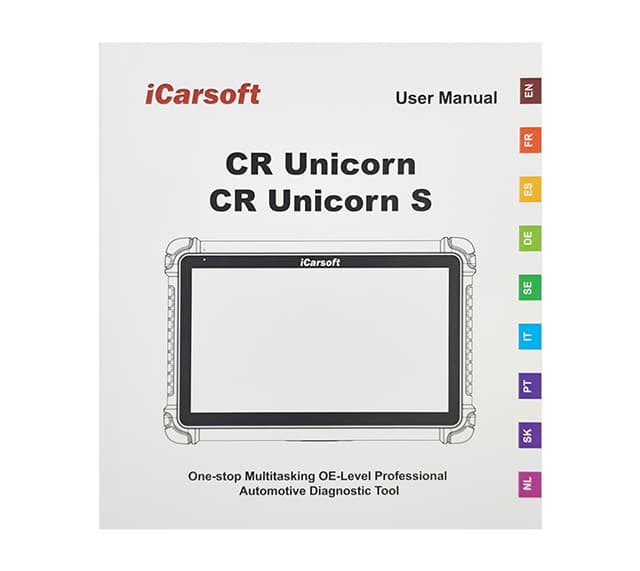
User Manual
The complete user manual for the CR Unicorn — setup, functions and troubleshooting.
Software Update Guide
Wi-Fi Touchscreen Tablets
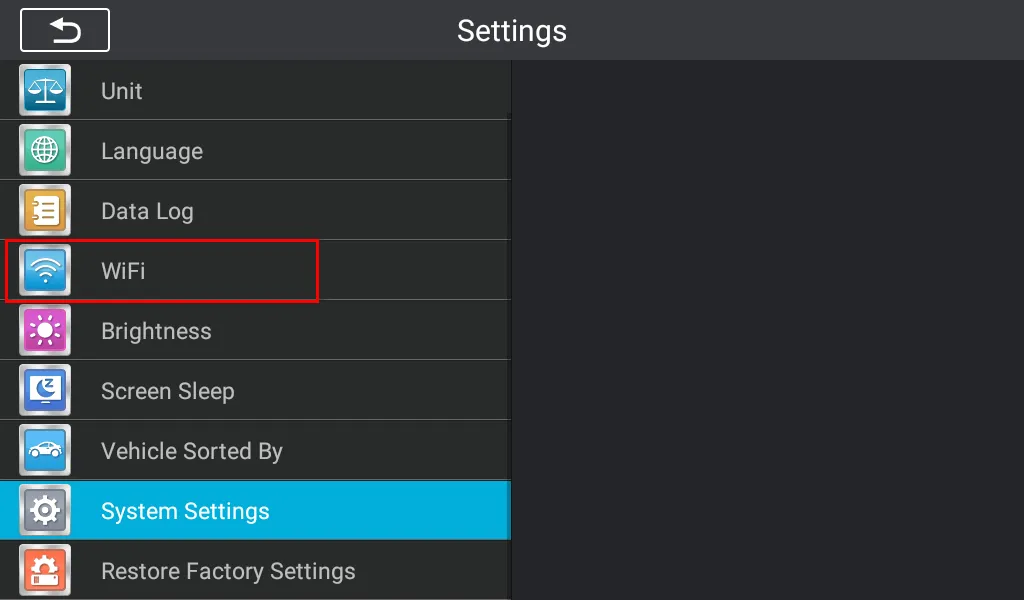
This device updates on-device over Wi-Fi — no computer needed. Open Settings → Upgrade on the scanner to download the latest software.
Step-by-step guide+
First, turn on the scanner and connect the scanner to WIFI.
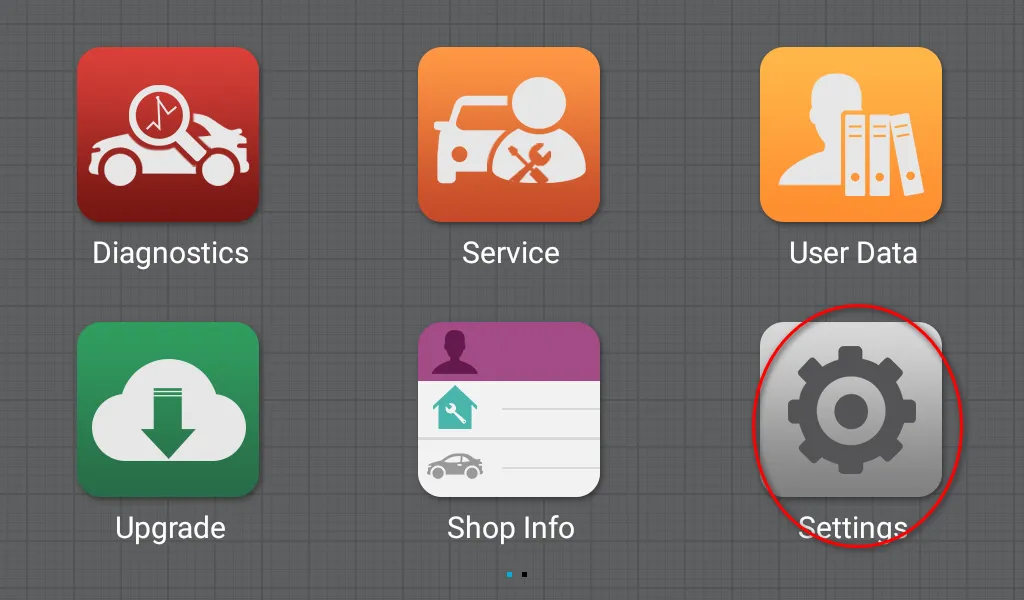
Then click upgrade, input your email address to activate it.
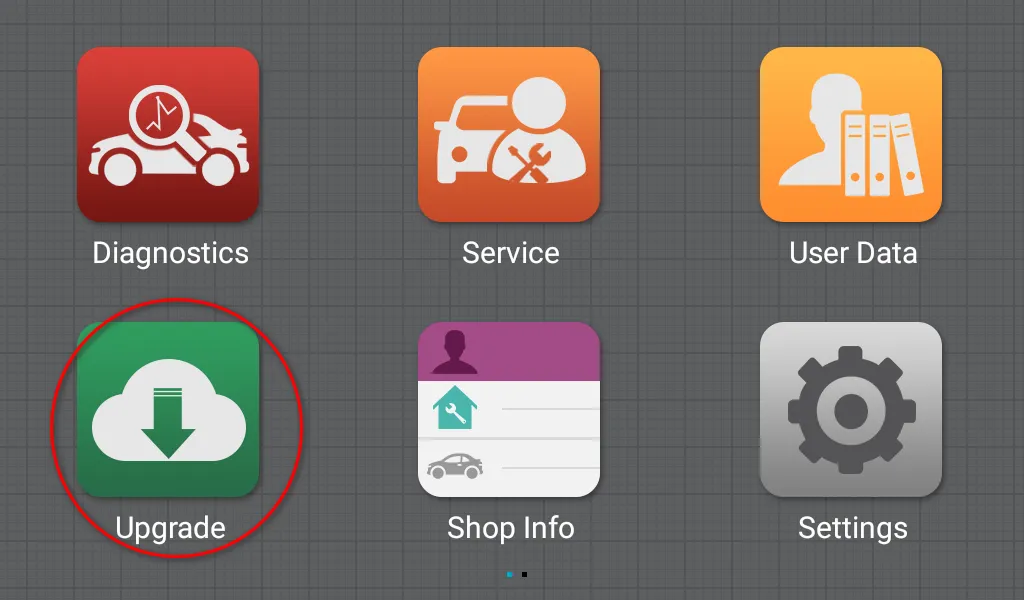
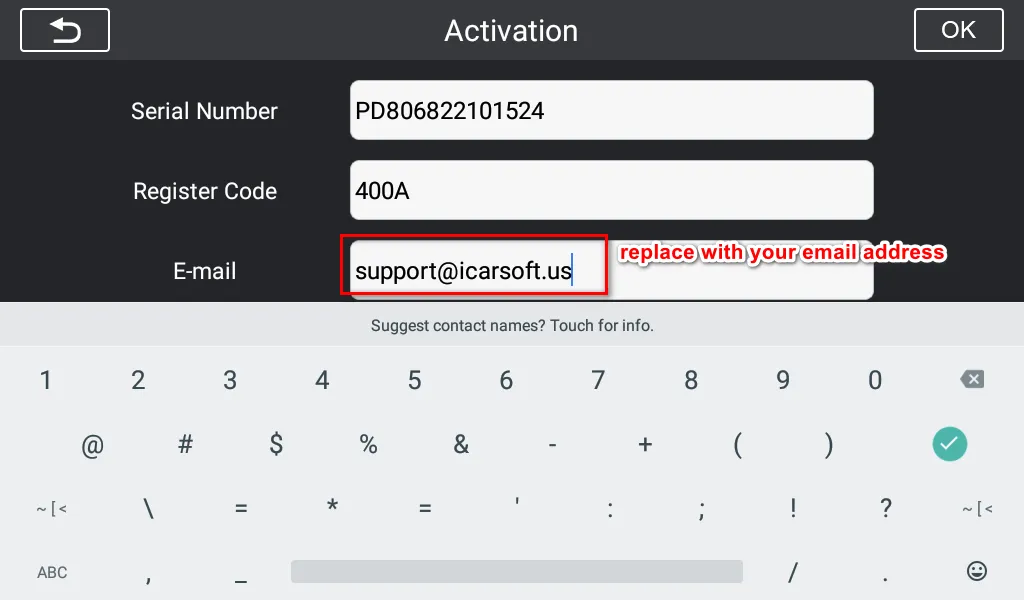
Then you can download the software update.
Interested in the CR Unicorn?
This page is for product information. Tell us what you need and our team will get back to you shortly — to confirm vehicle compatibility, request a quote, or find your nearest authorized dealer.
- Confirm vehicle compatibilityCheck support for your VIN / model year
- Get pricing & availabilityQuotes, stock, wholesale & retail inquiries
- Find a local authorized dealerWe connect you with your nearest channel
Want to become a dealer? Apply to partner →
Available through authorized sellers.
This page is for product information. Get in touch with our team to confirm compatibility for your vehicle, check stock, or find your nearest authorized distributor.