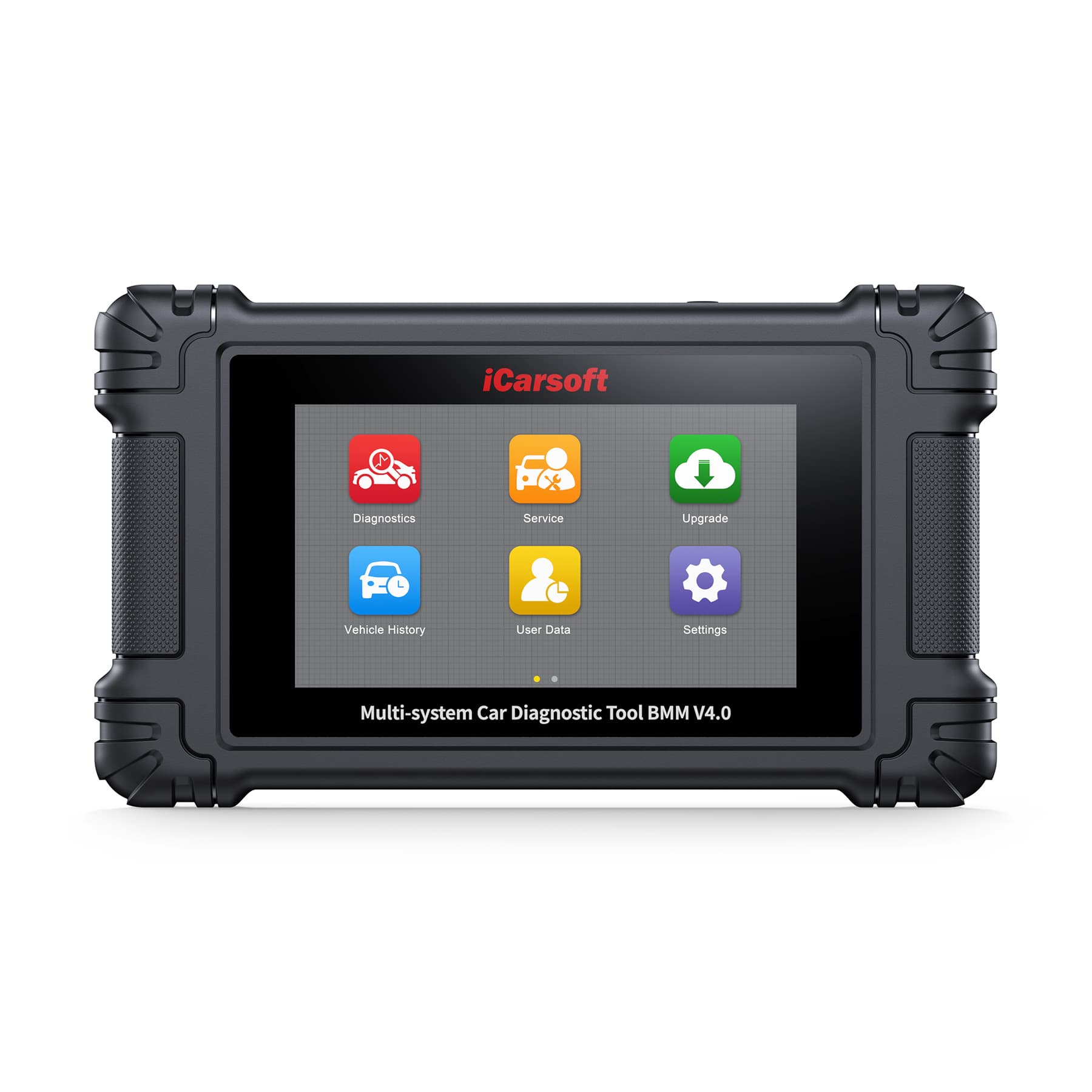
BMM V4.0
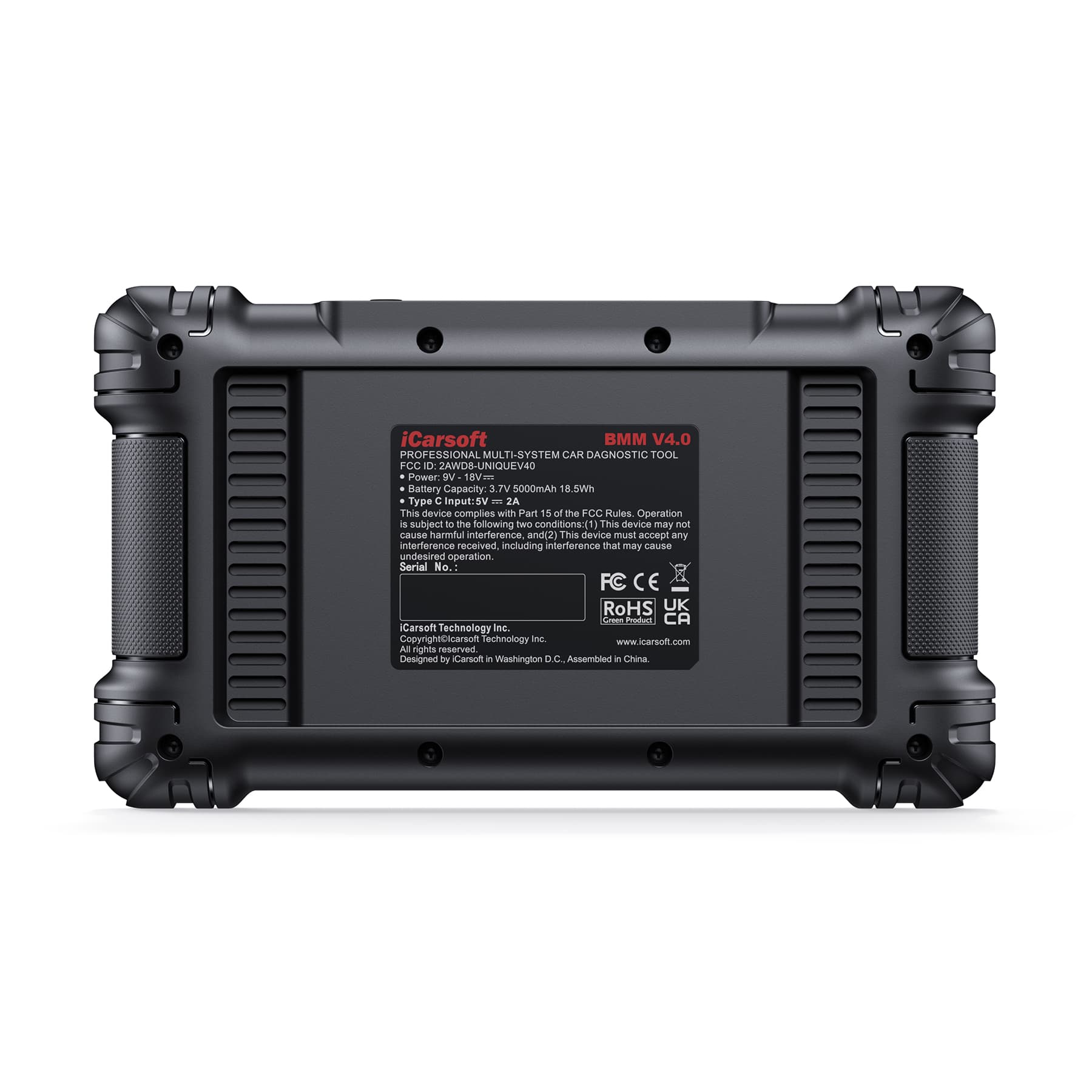
New arrival. Next generation of BMM V3.0. VIN verification and mileage verification.
About this tool
New arrival. Next generation of BMM V3.0. VIN verification and mileage verification.
iCarsoft Professional Multi-Systems Car Diagnostic tool
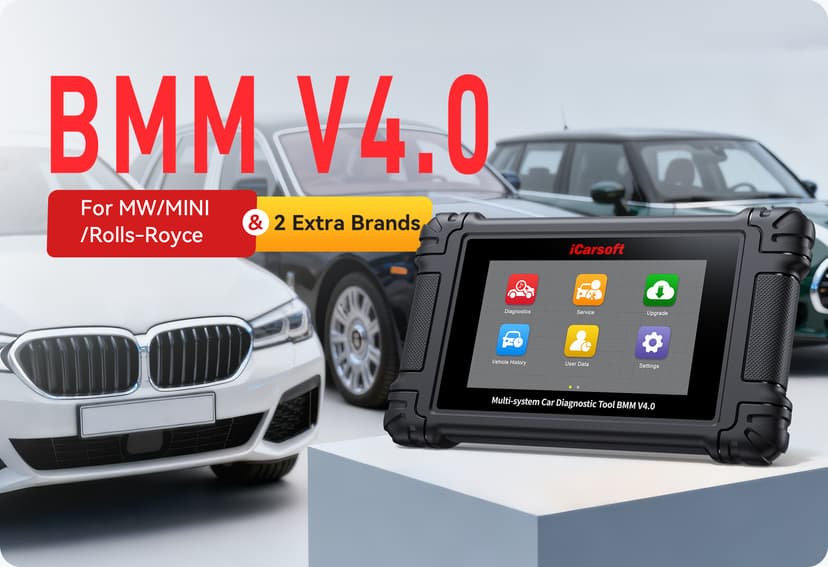
BMM V4.0 for BMW/MINI/Rolls-Royce
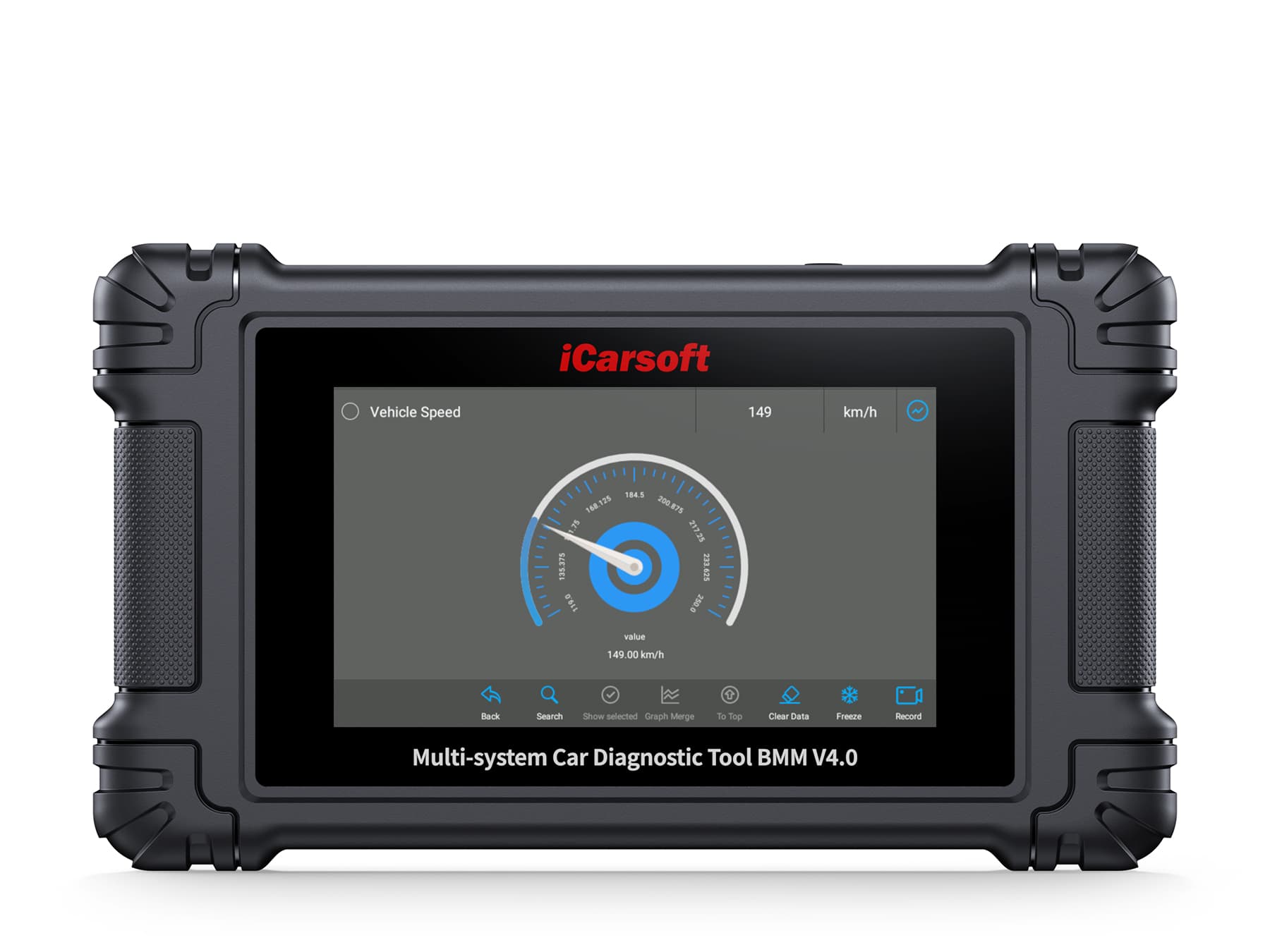
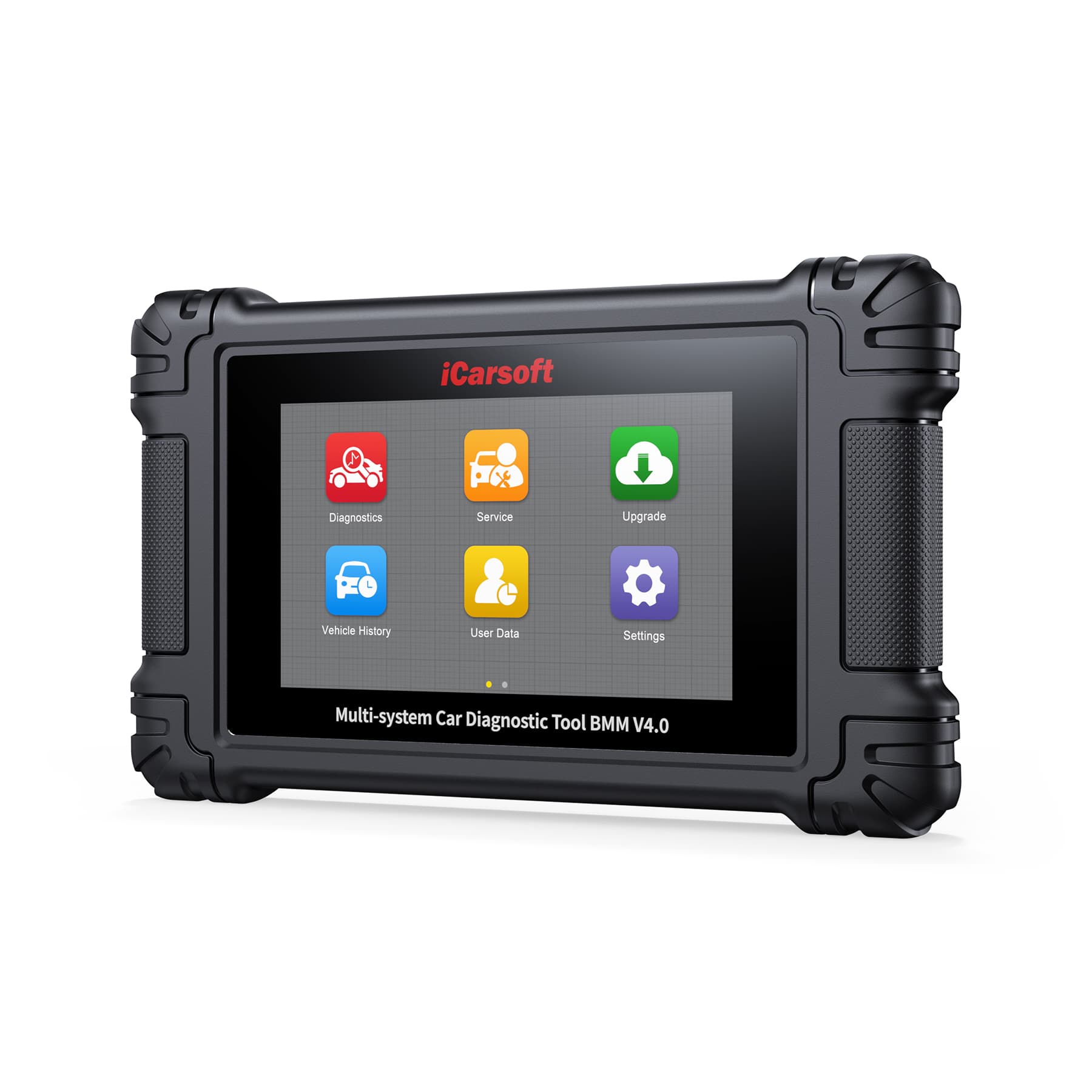
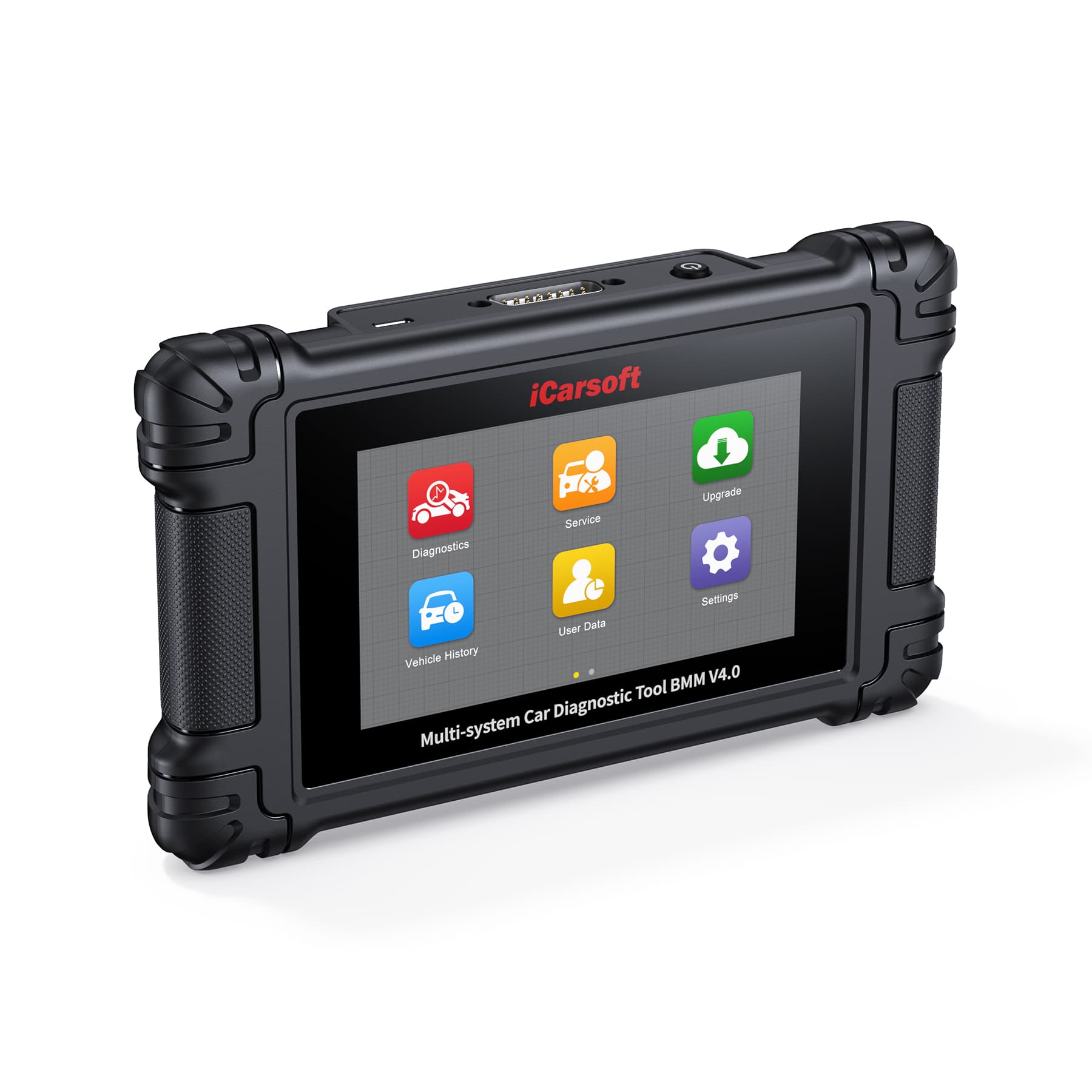
iCarsoft BMM V4.0 is latest car diagnostic tool designed for BMW, MINI and Rolls-Royce vehicles. It supplied with BMW/MINI/Rolls-Royce software pre-installed, and 2 further vehicle makes can be downloaded free of charge. It performs a comprehensive scan of all supported systems within your vehicle. In addition to the regular 4 systems such Engine, ABS, Airbag and Transmission, it covers more complex systems diagnostic functions. With 5 inches touchscreen and Wi-Fi update. The BMM V4.0 is specially made for home mechanics, DIYers, and professionals. Give your aging cars satisfying routine maintenance to avoid costly repairs, a breakdown, or even a crash. General diagnostic functions as following:
Full OBDII/EOBD Function.
Battery Test
Read and Clear DTC
Read Ecu Information
Read Live Data
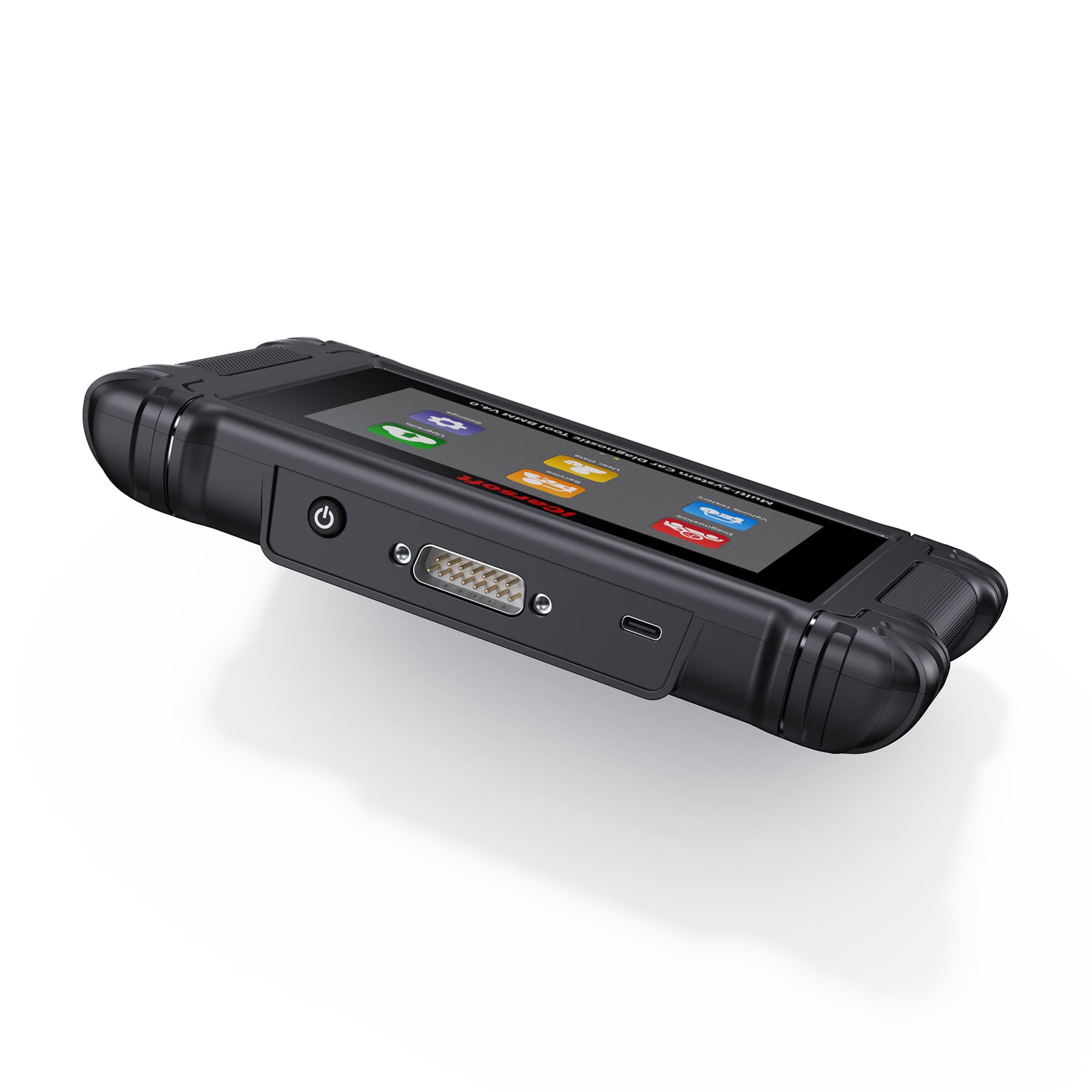
Full ECU Models(OBDII-16 DLC )
Read and Clear Freeze Frame
Auto VIN Identify
Actuation/Bi-directional Test
ECU Coding
**The function list is dependent on your car’s make, model and year. Contact us for more details if needed.
Strong Hardware and Software makes the BMM V4.0 easy and intuitive operation:
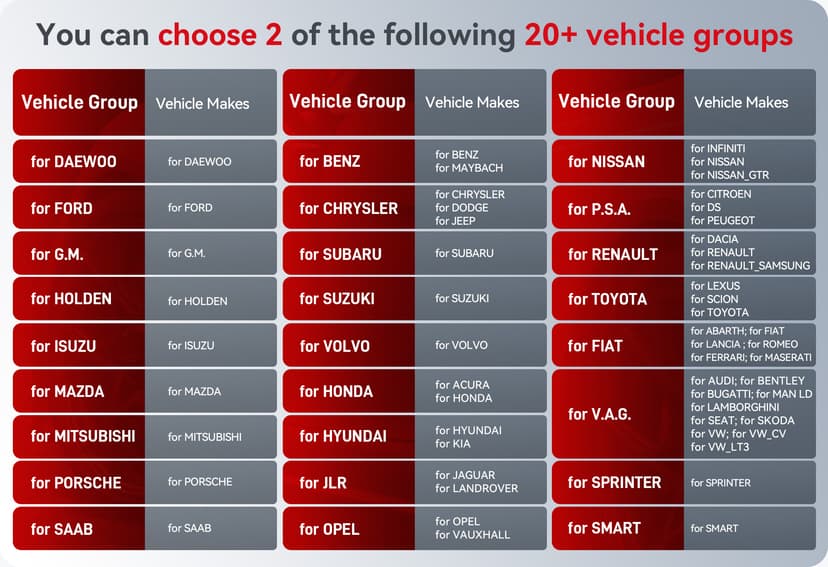
The BMM V4.0 comes pre-installed with 1 vehicle group (BMW, Mini and Rolls-Royce) at the factory. After purchase, 2 further vehicle group can be downloaded free of charge. Please refer to the above chart for the full vehicle group list.
●Fast AutoVIN Identify: Automatically retrieves detailed vehicle information, eliminating manual entry and saving time. It improves accuracy, reduces human errors, and enhances user experience, making diagnostics faster and more reliable.
●Bi-directional tool can send commands and receive information to perform specific tests and functions such as window/mirror/door lock tests and throttle adjustments to help you locate problems quickly.
●Multi-language: English, Deutsch, French, Dutch, Spanish, Czech, Swedish
Russian, Hungarian, Norwegian, Portuguese, Italian, Polish, Danish and Finnish.
Lifelong free online update
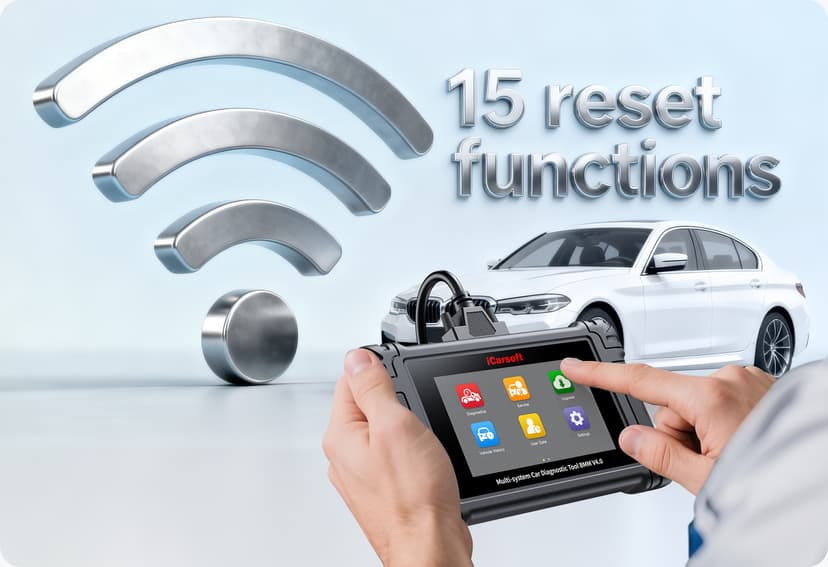
In contrast to other OBDII scanner on the market that demand users to pay for updates, our BMM V4.0 comes with over 15 reset functions with lifetime free updates. Increasingly sophisticated software for better compatibility. And it’s one-click update after you connected with the Wi-fi.
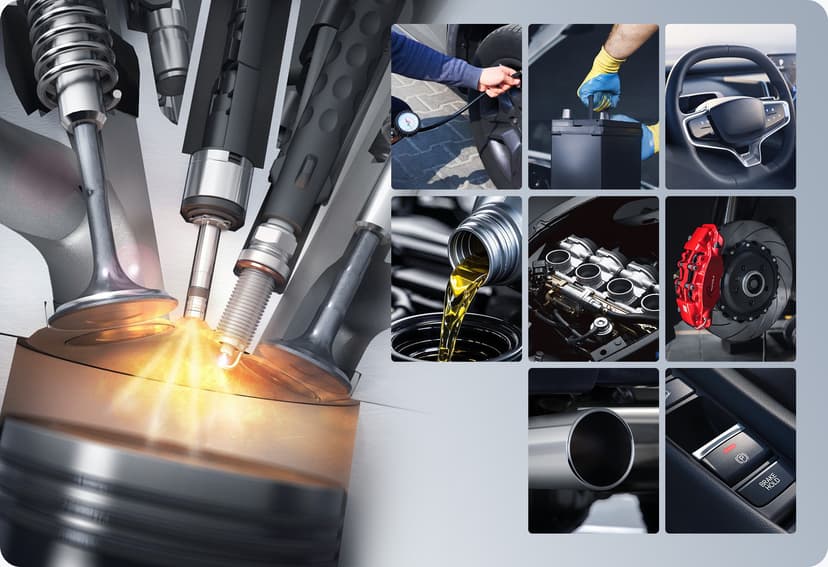
9 Hot Service Functions covering your daily maintenance needs.
●Oil Reset: Allows you to perform reset for a new calculation of the engine oil life system once changed the oil, reset the service lamp, service mileage and service intervals.
●Electronic Throttle Control: Relearns throttle valve control parameters after resetting or replacing the throttle body.
●EPB-Brake-Pad Reset: Allows you to retract electric parking brake calipers and reset the brake pad after the replacement
●Steering Angle Reset: Calibrates the steering wheel to straight ahead, or recalibrates SAS while steering part replacement.
●DPF Regeneration: Specially works for diesel particulate filter system with DPF regeneration, DPF component replacement teach-in and DPF teach-in after replacing the engine control unit.
●Injector Coding: Relearn the injector control parameter while the injector renewed or replaced.
●ABS Bleeding: Release the air to restore ABS brake sensitivity, or relearn while ABS replaced.
●TPMS Reset: Allows you to look up the tire sensor IDs from the vehicle's ECU, inputting TPMS sensor replacement IDs and testing sensors.
●Battery Management Service: Allows the scan tool to evaluate the battery charge state, monitor the close-circuit current, register the battery replacement, and
activate the rest state of the vehicle.
**The service functions vary by vehicle's specifics. Contact us anytime for more details.

6 High level service functions for professional technicians
●Cruise Control System: Used for adaptive cruise system related maintenance functions, such as adaptive cruise personalization.
●Body Stability Control Service: Supports routine maintenance of DSC modules, for example, reset or delete the adaptation values, start-up the unit.
●Engine Control Service: Supports routine maintenance of engine modules, for example, reset or delete the adaptation values, calculate fuel consumption.
●Transmission Control Service: Supports routine maintenance of transmission modules, for example, reset adaptation values, adjust the oil level.
●Engine Idle Service: Adjust the engine speed for the car at idle speed.
●Radar/Camera: Used for radar camera learning and calibration.
And More Service Function in Miscellaneous.
**The service functions vary by vehicle's specifics. Contact us anytime for more details.

Full OBD2 test modes to fix most of emission issues
All 10 OBD2 Tests for vehicles that match 1996 OBDII/EOBD/JOBD/KOBD/CAN/CAN-FD standards. Read Codes, Erase Codes, I/M Readiness, Live Data, Freeze Frame, Vehicle Information, O2 Monitor Test, On-Board Monitor and Evap System
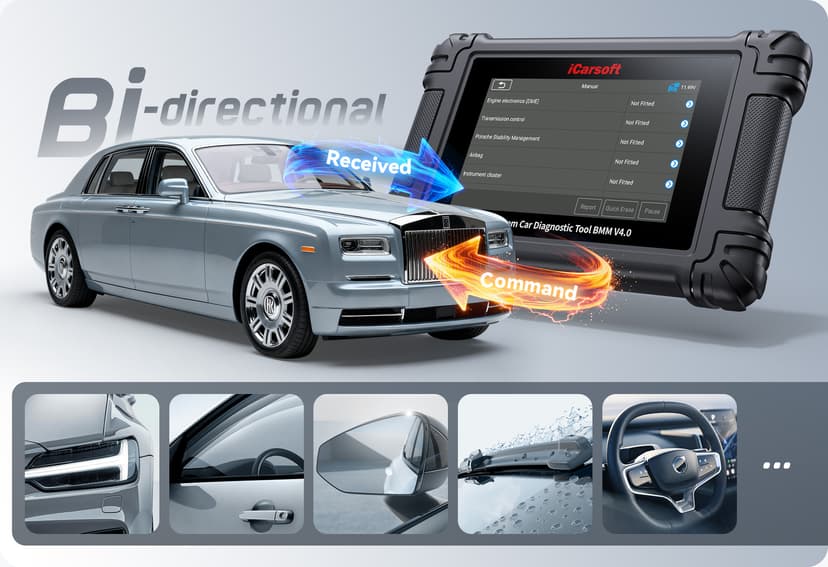
Excellent Bi-directional Control Function
The BMM V4.0 supports Activate Tests on most available modules.
The Bi-directional Control can send commands and receive information to perform specific tests and functions such as window/mirror/door lock tests and throttle adjustments to help you to locate problems quickly.
**The function list is dependent on your car’s make, model and year. Contact us for more details if needed.
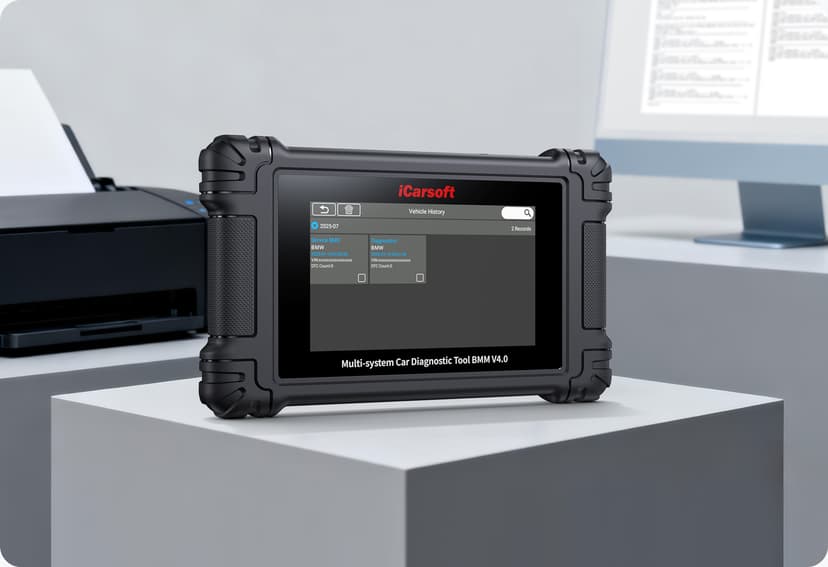
Support History and Report printing.
User can quickly access previously tested vehicle systems, save, share, and print diagnostic reports
This scan tool gives you access to the “Feedback” function which provides customized repair suggestions from our certified professionals. Moreover, you can print out the diagnostic data on paper for future reference. Simply hook it up to a Windows PC.
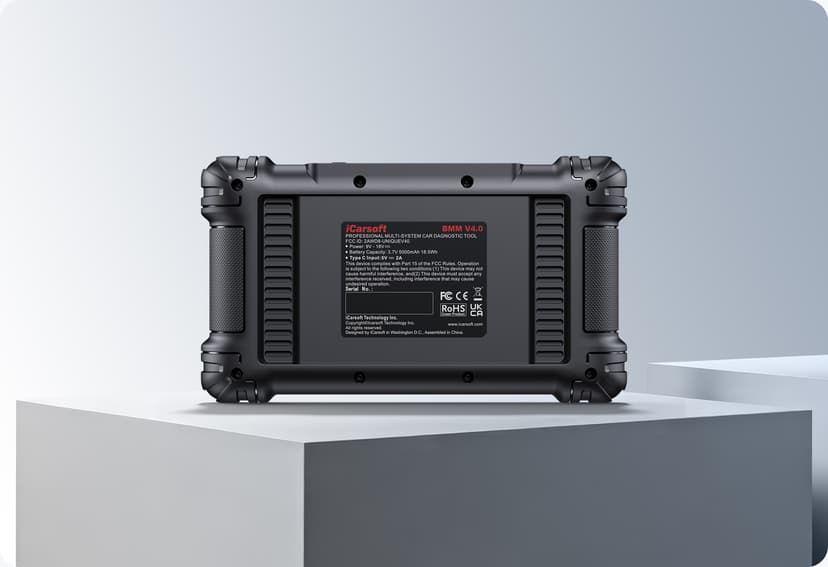
Product Specifications:
Operating System: Android
Processor: Quad Core 1.3 GHz
Memory : 32GB
Display: 5-inch LCD capacitive touchscreen with 854x480 resolution
Connectivity :
USB 2.0
Wi-Fi (2.4GHz)
OBDII
Power: 9-18V
Operating Current: ≤500mA
Battery Capacity: 3.7V 5000mAh 7.4Wh
Tested Battery Life: Around 6 hours of continuous use
Type C Input: 5V --- 2A
Power Consumption: 500mA (LCD on with default brightness, Wi-Fi on) @3.7 V
Operating Temp.: 0 to 50°C (32 to 122°F)
Storage Temp.: -20 to 70°C (-4 to 158°F)
Operating Humidity: 5% - 95% non-condensing
Dimensions (W x H x D): 200mm X 116mm X 30.2mm
(7.87inch X 4.57inch X 1.19inch)
Net Weight: ≈380g
Supported Automotive Protocols: ISO9141-2, SO14230-2, ISO15765, K/L-Line, Flashing Code, SAE-J1850 VPW, SAE-J1850 PWM, ISO11898 (Highspeed, Middlespeed, Lowspeed and Singlewire CAN), CAN FD, SAE J2610, GM UART, UART Echo Byte Protocol, Honda Diag-H Protocol, TP2.0, TP1.6
Packing List & Accessories
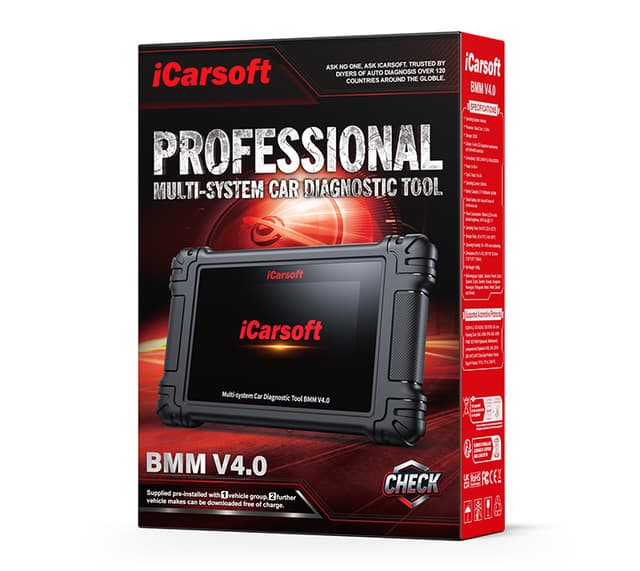
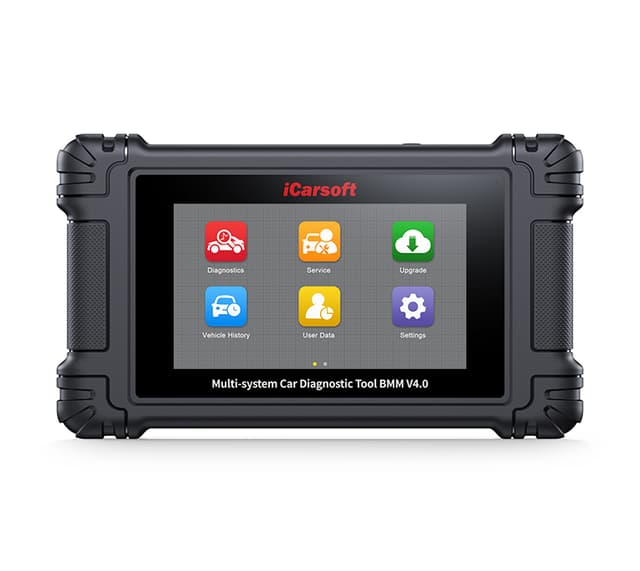
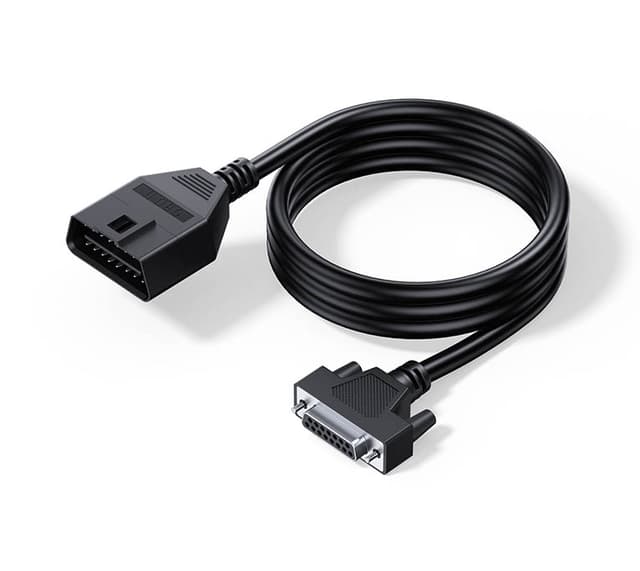
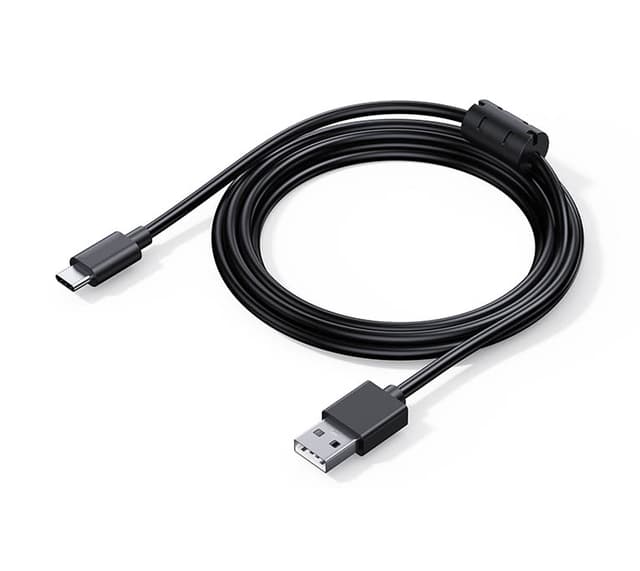
Manual & software updates
Download the user manual and keep your device current with the latest software.
User Manual
The complete user manual for the BMM V4.0 — setup, functions and troubleshooting.
Function List & Vehicle Coverage
See exactly which vehicles and functions this model supports, by brand and system.
Software Update Guide
Wi-Fi Touchscreen Tablets
This device updates on-device over Wi-Fi — no computer needed. Open Settings → Upgrade on the scanner to download the latest software.
Step-by-step guide+
First, turn on the scanner and connect the scanner to WIFI.
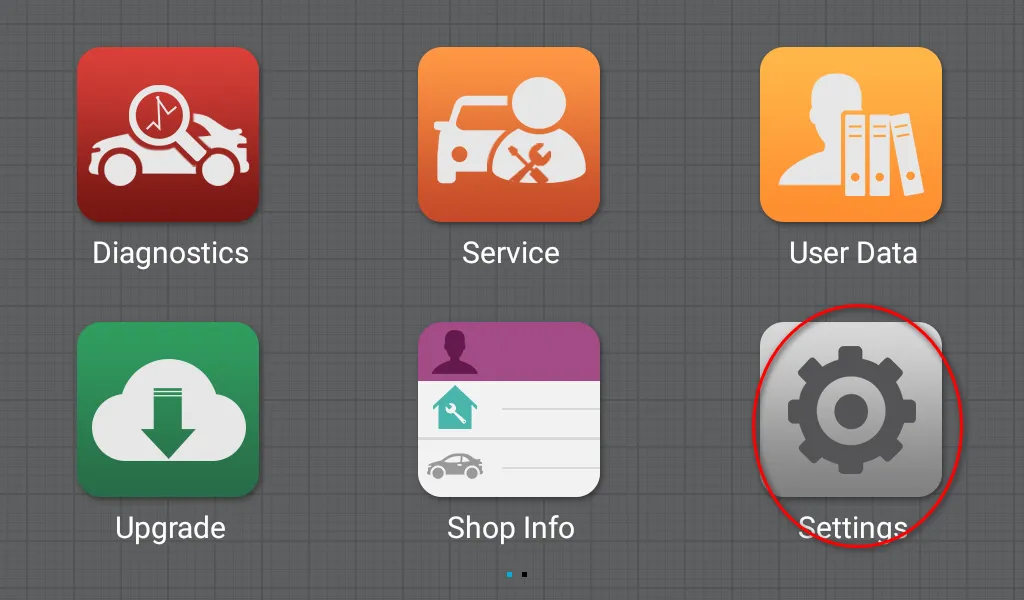
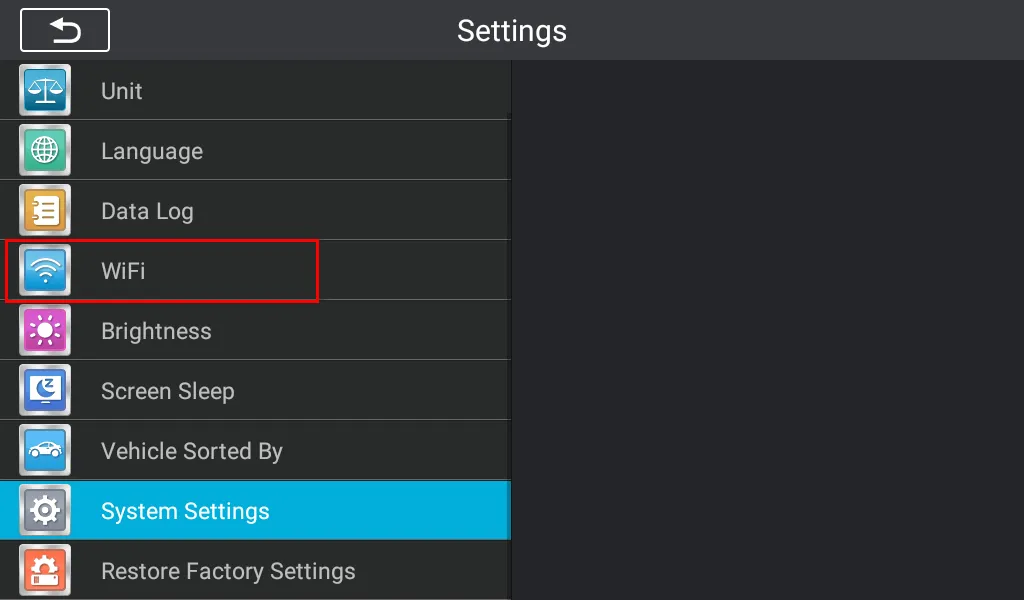
Then click upgrade, input your email address to activate it.
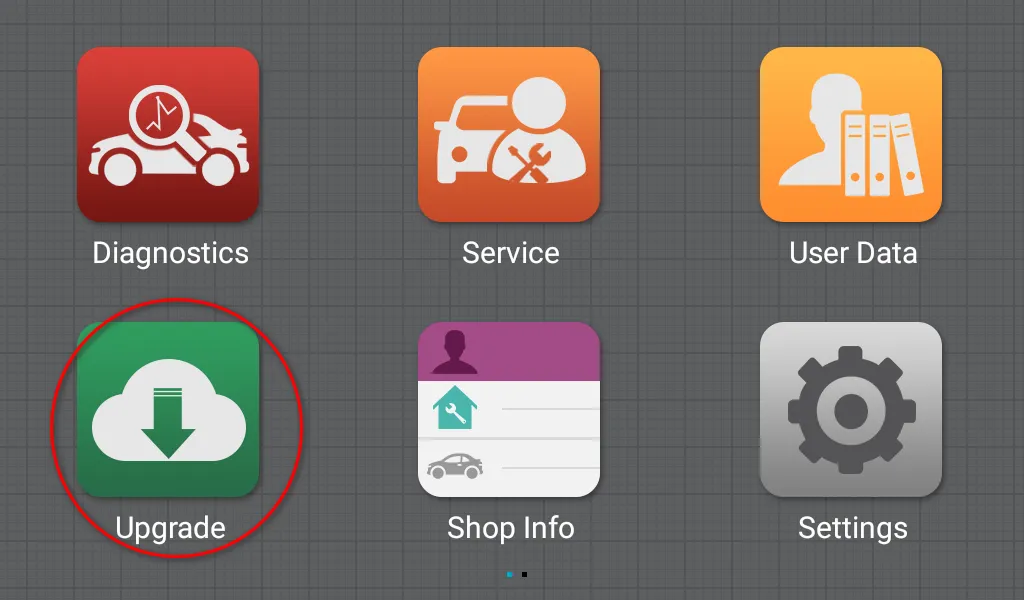
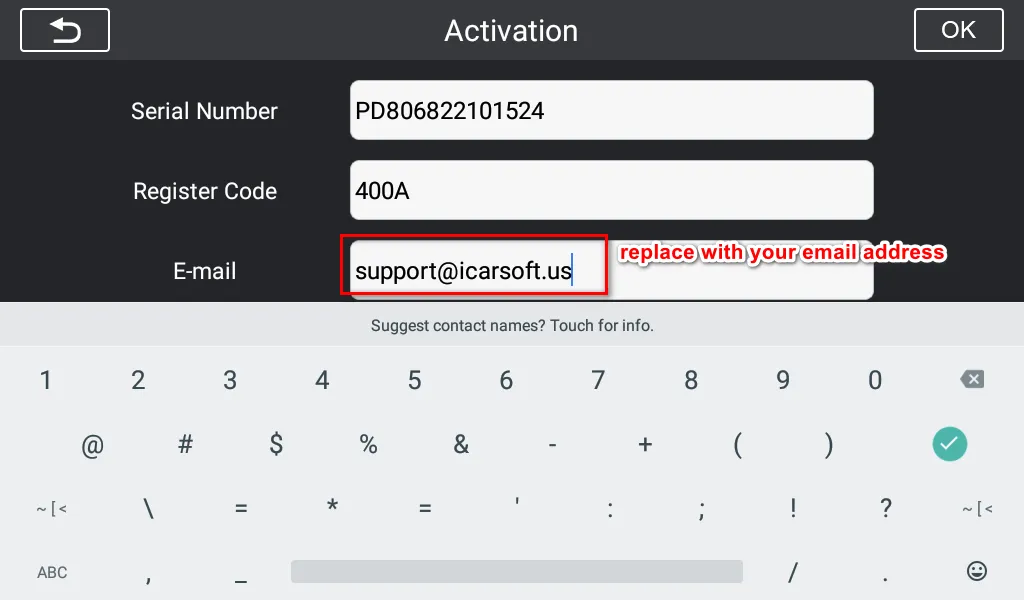
Then you can download the software update.
Interested in the BMM V4.0?
This page is for product information. Tell us what you need and our team will get back to you shortly — to confirm vehicle compatibility, request a quote, or find your nearest authorized dealer.
- Confirm vehicle compatibilityCheck support for your VIN / model year
- Get pricing & availabilityQuotes, stock, wholesale & retail inquiries
- Find a local authorized dealerWe connect you with your nearest channel
Want to become a dealer? Apply to partner →
Available through authorized sellers.
This page is for product information. Get in touch with our team to confirm compatibility for your vehicle, check stock, or find your nearest authorized distributor.